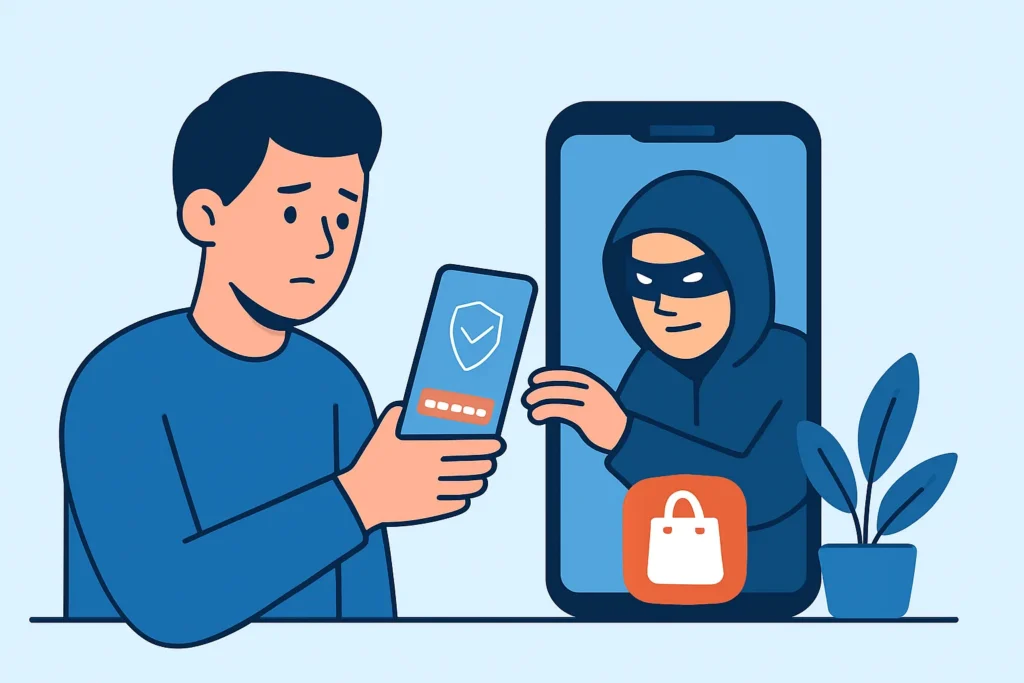
A customer types their banking password into an app with your logo, your colour scheme and a five-star rating, and three hours later someone in another country drains their account. Fake mobile apps that use your brand to harvest customer logins are one of the most effective credential theft methods today, because the victim thinks they are using a channel you approved. This article covers how these apps reach users, what they do with stolen credentials, how to find them early and what actually works for taking them down.
How Fake Brand Apps Reach Your Customers
Official stores are only part of the picture. Attackers spread clones through third-party Android stores such as APKPure, through direct APK links in SMS phishing and through ads on Facebook and TikTok that point to a “download the new version” page. Since iOS 17.4 in March 2024, alternative app marketplaces in the EU have also given iPhone users routes outside Apple’s own store.
The delivery message is usually short and urgent. “Your app is outdated – install the secure version to keep your account active.” That wording works because real companies send almost the same messages.
Some campaigns go through Google Play itself. Banking trojan families like Anatsa have repeatedly used dropper apps on Play, such as PDF readers or file managers, that pass review while clean and download the malicious payload after installation. The fake does not need to look like your app in the store. It only has to show your login screen on the device later.
What Happens After the Login Is Captured
The simplest fakes are thin wrappers around a phishing page. A WebView loads a cloned login form and posts the username and password to an attacker-controlled server, often a Telegram bot API endpoint. Building one takes an afternoon.
More advanced Android malware abuses the Accessibility Service to draw overlays on top of your real app, read SMS one-time codes and sometimes approve push notifications. In those cases SMS-based MFA protects very little. Stolen sessions and credentials are usually tested within 1-6 hours, either by hand or through automated tools that also feed look-alike domain and phishing infrastructure run by the same operators.
The Myth That Official App Stores Filter Out Fakes
A lot of teams assume that because Apple and Google review apps, any brand clone will be caught. That is wrong in two ways. Review checks policy compliance and known malware signatures at the time of submission, not whether the publisher is allowed to use your trademark. Clones with slightly changed names, like “YourBank Mobile Pro” or “YourBank Wallet Lite”, often stay live for days or weeks until someone reports them.
Google Play Protect also does not see apps that were never installed from Play, and plenty of users turn it off when a sideloading guide tells them to. Store review lowers the risk. Without your own monitoring, you are counting on a reviewer who doesn’t know your brand.
Detecting Fake Mobile Apps Using Your Brand
An experienced threat intelligence analyst starts with a reference baseline. Write down your legitimate package names (for example com.yourbank.mobile), your Apple bundle IDs, your developer account names and the SHA-256 fingerprint of your Android signing certificate. Any APK carrying your brand that is signed with a different certificate is suspicious by default, so there is no need to debate how closely it resembles yours.
After that, put monitoring in place:
1. Store searches: Run daily keyword searches on Google Play, the App Store, Huawei AppGallery and the main third-party APK sites, covering your brand name, common misspellings and product names.
2. Certificate comparison: Pull every APK that matches and compare its signing certificate with your baseline. Anything that doesn’t match goes to triage.
3. Domain and SMS signals: Track newly registered domains containing “app”, “download” or “update” next to your brand. Customer support tickets that mention odd SMS links are an early signal too.
4. Backend telemetry: Look for logins from devices that fail Play Integrity API or Apple App Attest checks, or for clusters of new devices hitting many accounts from the same ASN.
5. Credential exposure: Watch Telegram channels and stealer log markets for customer credentials tied to your login domain. A sudden spike often points to an active clone.
Fake apps are one part of wider brand impersonation, and brand abuse monitoring for fake domains and cloned sites uses the same workflow, so the two should share a triage queue and not live in separate silos.
A Realistic Scenario From the Support Desk
A mid-sized European fintech gets 14 support tickets over one weekend about “unauthorised transfers”. By Monday the fraud team sees a pattern: every affected account logged in from a new Android device in the previous 48 hours, and every customer remembers getting an SMS about a “mandatory app update”. One customer forwards the link, which points to an APK on a domain registered nine days earlier.
The fix was not a single takedown. The team filed reports with the hosting provider and the registrar, pushed an in-app warning to every user, forced password resets on accounts with suspicious device enrolments and started holding transfers from newly enrolled devices for 24 hours. A replacement domain came up four days later. The 24-hour transfer hold is the control that limited the damage on the second round.
Common Mistakes When Responding to App Clones
The first mistake is treating takedowns as the whole response. Removing the app from Google Play through the intellectual property complaint form, or from the App Store through Apple’s content dispute process, usually takes 2-10 business days. During that time customers who already installed it are still exposed, and removal from the store does not uninstall the app from their devices.
The second mistake is warning customers in vague terms. “Beware of phishing” changes nobody’s behaviour. Tell them clearly that you never distribute your app through SMS links, give the exact publisher name shown in the store, and publish that same information on a page they can find by search.
The third mistake is fixing the problem only on the brand side. If stolen passwords still work everywhere, the attacker loses nothing when one clone goes down. Moving customers to passkeys based on FIDO2 makes captured passwords far less useful, because the credential is bound to your real domain or app and a fake cannot replay it.
When the Standard Advice Does Not Fit
Regulated banks under PSD2 already have strong customer authentication requirements, so their main gap is usually device binding, not MFA. Small businesses with under 10 people and no mobile app at all still get impersonated, because attackers build “official” apps for brands that never released one. If that applies to you, say publicly that you have no app. In markets where Android sideloading is common, such as parts of Southeast Asia and Latin America, monitoring of third-party stores matters more than monitoring of Google Play. Store-focused monitoring also tells you little about enterprise apps distributed through MDM, because those clones spread through phishing aimed at employees.
FAQ
How can a customer tell whether an app is genuine?
They should check that the publisher name matches the one listed on your website, install only through the store link on your official site, and be suspicious of any app that arrives through an SMS or chat link.
Will Google or Apple remove a fake app if we report it?
Usually yes, if you show trademark ownership and point out the infringement clearly. Expect 2-10 business days and file separately for every clone and every store.
Are we liable if customers lose money to a fake app?
That depends on jurisdiction and sector. Banks in the EU and UK can face reimbursement obligations in some fraud cases, and slow responses also cost you in customer trust and churn.
Summary
Fake brand apps succeed because they borrow trust you spent years building. Start with your signing certificate baseline, monitor stores, domains and credential markets every day, and assume each takedown buys you only a few days. Your strongest long-term defence is to make stolen credentials worthless through device binding and passkeys, so that a cloned login screen captures nothing an attacker can use.