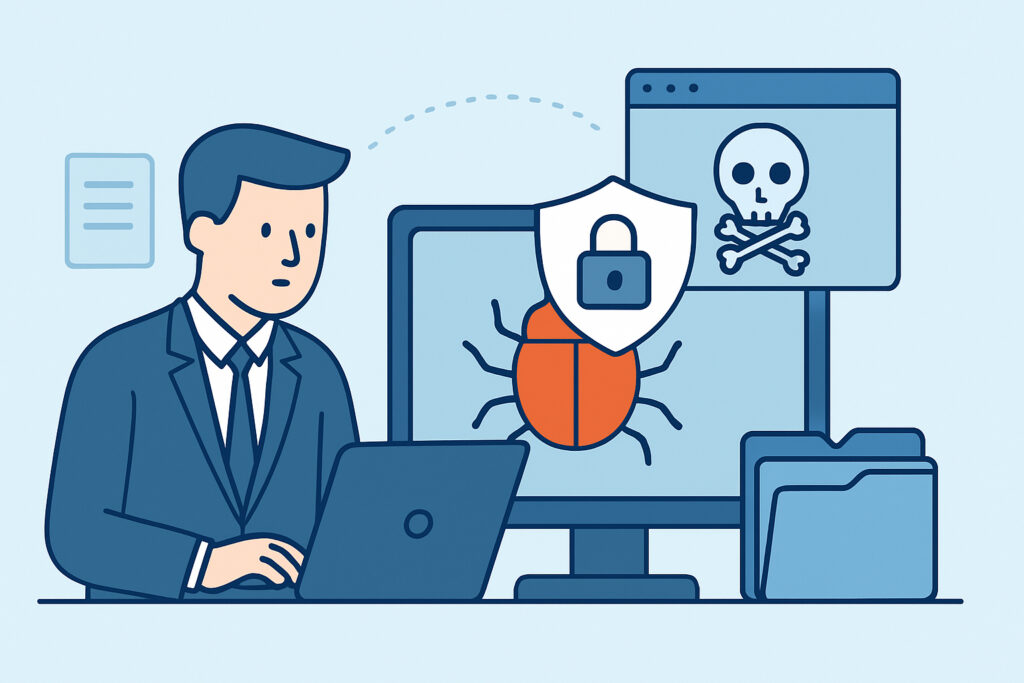
Information stealer malware – often shortened to “infostealer” – has quietly become one of the most common ways corporate credentials, session cookies, and internal documents end up for sale on criminal forums. Unlike ransomware, which announces itself with a ransom note, infostealers are built to work silently, harvest everything of value from an infected machine, and disappear before anyone notices anything is wrong.
For security teams, understanding how these tools operate is no longer optional. Infostealer logs are now one of the primary raw materials behind credential stuffing, business email compromise, and full-blown network intrusions – and they’re traded and reused for months after the original infection.
What information stealer malware actually does
An infostealer is a lightweight piece of malware with a narrow job: grab as much reusable data as possible from a compromised device and send it home before the victim notices a problem. It doesn’t usually encrypt files or demand payment. It just collects and exfiltrates.
Typical targets on an infected machine include:
Saved browser passwords and autofill data, active session cookies and authentication tokens, cryptocurrency wallet files, saved credit card details, and files matching common patterns like “password,” “backup,” or “config.” Many variants also grab a system fingerprint – installed software, IP address, OS version – which helps buyers filter logs by target value.
Because browsers store so much sensitive information in predictable locations, a single infection can hand over dozens of corporate and personal accounts in one pass, often before a single alert fires in the SOC.
How infostealers get onto corporate devices
The infection methods are not particularly exotic, which is part of why they remain effective. The most common entry points are:
Cracked software and pirated tools bundled with hidden payloads, malicious ads or search results leading to fake installer pages, phishing emails with weaponized attachments or links, fake browser updates or “codec” prompts on compromised websites, and trojanized files shared through Discord, Telegram, or forum posts.
A recurring pattern in real incidents: an employee on a personal or lightly managed device downloads a “free” version of design software, a PDF converter, or a game mod. The installer runs the real application alongside a stealer payload in the background. If that device ever touches a corporate VPN, syncs a personal browser profile with a work one, or has saved credentials for company systems, that data is now in the malware’s collection basket.
From infection to marketplace: the data pipeline
Once a stealer executes, the process typically takes seconds to minutes, not hours:
The malware scans local storage, browser databases, and known application folders. It packages findings into an archive, commonly called a “log,” organized by browser profile and domain. The log is exfiltrated to a command-and-control server or, increasingly, straight to a Telegram bot. The operator or a reseller then bundles logs into batches and lists them on marketplaces or Telegram channels, sometimes within hours of collection.
This is where the real corporate risk begins. A log containing a single set of VPN or SSO credentials can be sold cheaply on its own, but buyers specifically hunt for logs tagged with recognizable corporate domains because they know those credentials open doors to far more valuable systems. The mechanics of that domain-tagging and resale process are covered in more detail in Leaked VPN Credentials: Gateway to Your Entire Network.
Why session cookies matter more than most teams realize
A common misconception is that rotating a password after a suspected infection closes the gap. It doesn’t – not on its own.
Modern infostealers harvest active session cookies alongside credentials. Those cookies can let an attacker bypass login entirely, including multi-factor authentication, by importing the stolen session into their own browser. This is sometimes called “session hijacking” or “pass-the-cookie,” and it’s why incident responders increasingly treat any confirmed stealer infection as a full session-invalidation event, not just a password reset.
Practical response steps after a confirmed or suspected stealer infection:
Isolate the device from the network immediately. Force a password reset for every account with saved credentials on that device, not just the obvious ones. Revoke all active sessions and refresh tokens for SSO, VPN, cloud consoles, and SaaS platforms tied to that user. Rotate any API keys or service credentials the user had stored locally. Review authentication logs for logins from unfamiliar IPs or impossible-travel patterns in the days following the suspected infection window.
Where corporate data surfaces after collection
Stolen logs rarely stay in one place. They circulate through Telegram channels, dedicated stealer marketplaces, and general-purpose criminal forums, often resold multiple times before being used in an actual attack. This lag between collection and exploitation is exactly why continuous monitoring matters more than a one-time check – a log sitting unsold for three weeks can still be weaponized the moment someone buys it. Approaches to catching this activity across criminal channels are discussed in Dark Web Monitoring: What It Is and How It Protects You.
Reducing the attack surface
Infostealers thrive on a few specific weaknesses that are worth addressing directly:
Password managers with browser-stored credentials disabled reduce what a stealer can grab in one pass. Application allowlisting and blocking unsigned or unapproved installers cuts off a major infection vector. Short session lifetimes and forced re-authentication limit how useful a stolen cookie remains. Separating personal and corporate browser profiles prevents personal-device infections from exposing work credentials. For a broader view of the malware families involved, including how stealers compare to other threats hitting endpoints, see Common Malware Types Targeting Laptops and Smartphones.
Frequently asked questions
Can antivirus software reliably stop information stealer malware?
Signature-based antivirus catches known variants, but stealer developers update their code frequently and use obfuscation to evade detection. Behavioral monitoring, application control, and limiting what credentials are stored in browsers are more reliable layers than antivirus alone.
How would a company even know its data was stolen by an infostealer?
In most cases, the first signal isn’t an internal alert – it’s the credentials or session data surfacing in a stealer log being sold or shared externally. That’s why external visibility into criminal marketplaces and forums is often the earliest indicator available.
Is it true that only employees who download “shady” software get infected?
No. Malvertising, compromised legitimate websites, and fake browser update prompts have infected users who never intentionally downloaded pirated or suspicious software. Assuming infection only happens through obviously risky behavior leads to under-investment in browser and endpoint hardening.
Information stealers succeed because they’re fast, quiet, and profitable to run at scale. The realistic goal isn’t preventing every single infection – it’s shrinking what an infection can steal and shortening the window between compromise and discovery, since that window is where the actual damage to corporate accounts and systems gets done.