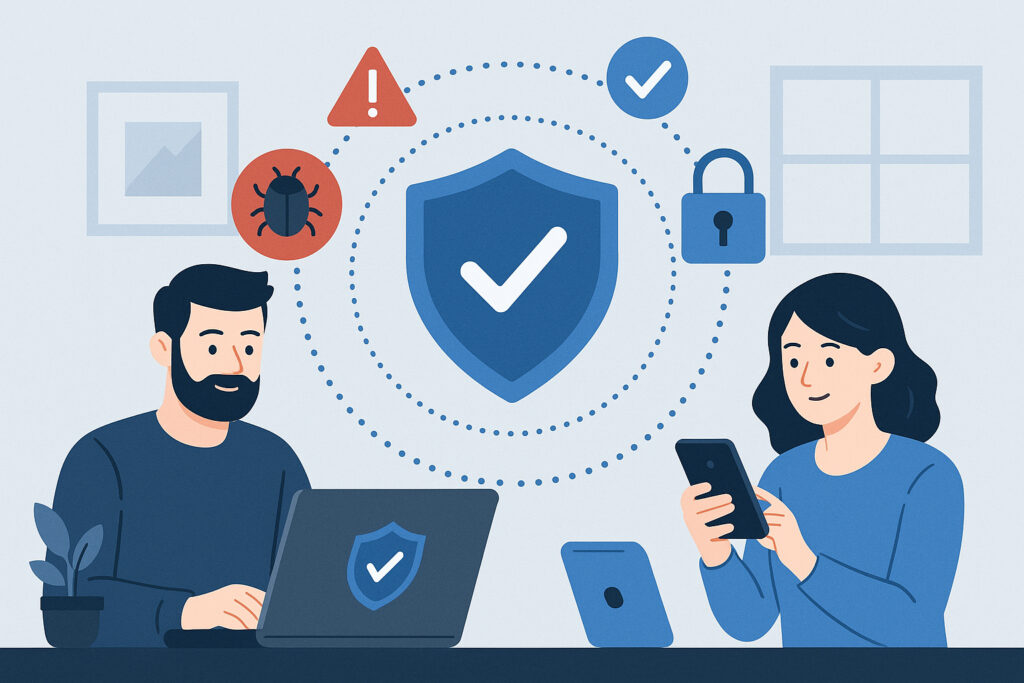
If you’re responsible for securing employee laptops and mobile devices in 2026, you already know the landscape has shifted under your feet. Remote and hybrid work turned every home office, airport lounge, and coffee shop into an extension of your corporate network. The question isn’t whether your devices are at risk — it’s how fast you can close the gaps before someone exploits them.
I’ve seen organizations with solid perimeter defenses get blindsided because a single unmanaged laptop had cached credentials that ended up in a credential dump. Securing endpoints isn’t optional anymore. It’s the foundation everything else sits on.
Why Traditional Security Falls Short for Employee Devices
A lot of companies still operate as if a firewall and an antivirus license are enough. They’re not — and haven’t been for years. The average employee now uses two to three devices for work, often switching between company-issued hardware and personal phones or tablets. Each one is a potential entry point.
The real problem is visibility. When a device leaves your office network, you lose direct control. You can’t see what it connects to, what gets installed on it, or whether someone is exfiltrating data through a compromised browser extension. That’s why endpoint protection has evolved from simple malware scanning into a full behavioral monitoring discipline.
Here’s a myth that refuses to die: “We only need to protect company-owned devices.” Wrong. If an employee checks work email on a personal phone — and they do — that phone is part of your attack surface whether you issued it or not.
Build Your Device Security from the Ground Up
Start with an inventory. You can’t protect what you don’t know exists. Every laptop, phone, and tablet that touches company data needs to be cataloged, classified, and monitored. This sounds tedious, but skipping it is how shadow IT spirals out of control.
Once you know what you’re dealing with, layer your defenses:
1. Deploy modern endpoint protection. Look for solutions that go beyond signature-based detection. You need behavioral analysis, real-time threat response, and centralized management. The ability to push policies and updates remotely is non-negotiable when half your workforce is distributed.
2. Enforce device encryption. Full disk encryption on every laptop. No exceptions. If a device is lost or stolen, encryption is the difference between a minor inconvenience and a reportable breach. BitLocker on Windows, FileVault on Mac, and LUKS on Linux — all free, all effective.
3. Require multi-factor authentication everywhere. Passwords alone are a liability. MFA stops the vast majority of credential-based attacks, and modern implementations using hardware keys or authenticator apps add minimal friction for users.
4. Automate patch management. Unpatched software remains one of the most exploited attack vectors. I’ve seen breaches that traced back to a known vulnerability patched months earlier — the update just never got applied. Centralized, automated patching removes human forgetfulness from the equation.
Mobile Devices Deserve Equal Attention
Laptops tend to get the security budget while phones get overlooked. That’s a dangerous blind spot. Smartphones carry email, authentication tokens, VPN access, and sometimes cached documents. A compromised phone can give an attacker the same access as a compromised laptop.
Implement a mobile device management solution that enforces minimum OS versions, requires screen locks, and can remotely wipe a device if it’s lost. For BYOD environments, containerization keeps corporate data separated from personal apps — your employees keep their privacy, and you keep your data secure.
Don’t forget about app permissions. A flashlight app requesting access to contacts and storage is a red flag that most users ignore. Security policies should restrict which apps can access corporate resources, and MDM solutions can enforce this automatically.
Ransomware: The Threat That Keeps Escalating
Employee devices are the primary entry point for ransomware, and the attacks keep getting more sophisticated. Phishing emails are still the top delivery mechanism, but attackers now also exploit remote desktop protocols, vulnerable VPN gateways, and even legitimate software supply chains.
The damage goes beyond the ransom itself. Downtime, recovery costs, reputational harm, and potential regulatory fines add up fast. Understanding the rising threat of ransomware on employee devices is essential for anyone managing device security today. Offline backups, network segmentation, and endpoint detection and response tools are your best defenses.
Monitoring Doesn’t Stop at the Device
Securing the device itself is only half the battle. You also need to know when something goes wrong beyond your perimeter. Credentials get leaked. Internal documents show up on paste sites. Employee email addresses appear in breach databases.
This is where real-time threat monitoring becomes critical. Automated data leak detection watches the sources where stolen data surfaces — dark web forums, code repositories, credential dumps, Telegram channels — and alerts you before attackers can weaponize the exposure. Without this layer, you’re relying on luck to discover that your company data is already circulating.
Your Employees Are Part of the Solution
Every technical control you deploy can be undermined by one careless click. Security training isn’t a checkbox exercise — it’s an ongoing investment that pays for itself the first time someone reports a phishing email instead of clicking the link.
Effective training looks like short, frequent sessions rather than an annual two-hour lecture nobody remembers. Use real phishing simulations. Show people what actual attack emails look like in your industry. And make it safe to report mistakes — if employees fear punishment, they’ll hide incidents instead of escalating them, and that delay costs you dearly.
Frequently Asked Questions
What’s the single most impactful step to secure employee devices quickly?
Enforcing multi-factor authentication across all corporate accounts and services. It blocks the overwhelming majority of credential-based attacks and can be deployed within days, even for large organizations. Combine it with automated patch management for immediate risk reduction.
How do I secure personal devices employees use for work?
Implement a BYOD policy backed by a mobile device management solution that uses containerization. This creates a secure, encrypted workspace on the personal device without touching the employee’s private data. Require minimum security standards — screen locks, current OS versions, and no jailbroken devices — as conditions for accessing company resources.
How often should we review our endpoint security posture?
At minimum, conduct a full review quarterly and after any significant change — new remote work policies, mergers, software rollouts, or following any security incident. Continuous monitoring through automated tools should supplement these reviews, so you catch issues between formal assessments rather than discovering them months later.
The reality of device security in 2026 is that no single tool or policy covers everything. You need layered defenses, continuous monitoring, trained employees, and the ability to detect when something slips through despite your best efforts. Start with the fundamentals — encryption, MFA, patching, endpoint protection — and build outward from there. The organizations that treat device security as an ongoing discipline rather than a one-time project are the ones that stay ahead of the threat curve.