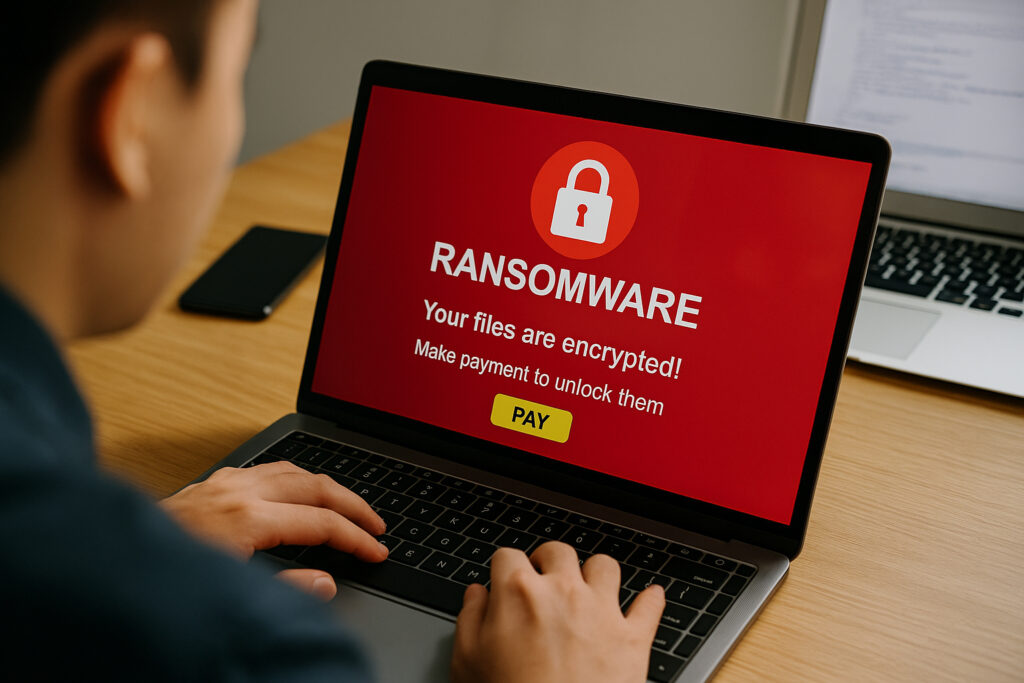
If you manage IT security for any organization, the rising threat of ransomware on employee devices should be at the top of your priority list right now. It’s no longer a matter of “if” but “when” one of your endpoints gets targeted. I’ve seen companies with decent security budgets get hit simply because a single employee laptop wasn’t properly monitored. The attack chain is predictable, but the damage is always worse than anyone expects.
Let me walk you through what’s actually happening out there, why employee devices have become the preferred entry point, and what you can realistically do about it.
Why Employee Devices Are the Preferred Attack Vector
There’s a common myth that ransomware primarily targets servers and core infrastructure. In reality, most attacks start on an individual employee’s device—a laptop, a phone, sometimes even a tablet used for “just checking email.” Attackers know that these endpoints are where security controls are thinnest. Especially now, with remote and hybrid work being the norm, your employees are connecting from home networks, coffee shops, and airports. The traditional network perimeter is gone.
What’s changed in the last couple of years is the sophistication. Attackers research your organization on LinkedIn, identify employees by role, and send highly convincing phishing emails that reference real projects or colleagues. I once investigated an incident where the phishing email referenced the exact name of an internal system migration project. The employee had no reason to suspect it wasn’t legitimate.
Modern ransomware also doesn’t just encrypt your files. Most groups now practice double extortion—they exfiltrate sensitive data before deploying the encryption payload. Even if you have perfect backups, they’ll threaten to publish customer records, intellectual property, or internal communications unless you pay. This is where endpoint protection’s role in preventing data breaches becomes critical.
The Real Cost Goes Far Beyond the Ransom Payment
People fixate on the ransom amount, but that’s rarely the biggest expense. The average downtime from a ransomware attack stretches to roughly three weeks. For a mid-sized company, that can mean hundreds of thousands in lost revenue before you even start recovery.
Then comes the forensic investigation, legal fees, regulatory notifications, potential fines under GDPR or other frameworks, and the customer trust you’ll never fully rebuild. Many organizations report that total recovery costs run ten times the ransom demand. When you look at those numbers, investing in endpoint security starts to look like a bargain compared to the cost of a breach.
And here’s something people rarely talk about: the human cost. Your IT team will be working around the clock for weeks. Employees across the company will be frustrated, confused, and anxious about whether their personal data was also compromised. Morale takes a hit that lasts long after systems are restored.
How Ransomware Actually Gets Onto Employee Devices
Let me break down the most common paths I’ve seen in real incidents:
Phishing remains king. Despite years of awareness campaigns, crafted emails still fool people every day. The quality has improved dramatically—perfect grammar, spoofed sender addresses, legitimate-looking attachments. A single click on a malicious macro or link is all it takes.
Unpatched software is the silent enabler. Employees delay updates, IT teams struggle to enforce patching on devices they can’t physically access, and known vulnerabilities sit open for weeks or months. Attackers have automated scanners that find these gaps faster than most organizations can close them.
Mobile devices are the blind spot. Employees install apps, connect to unsecured WiFi, and mix personal browsing with work access. Most companies have far less visibility into what’s happening on phones and tablets than on managed laptops. Learning how to properly secure employee laptops and mobile devices is no longer optional.
Credential reuse opens the door. When employees use the same password for their work account and a compromised personal service, attackers don’t need to break in—they walk in through the front door.
Building a Ransomware Defense That Actually Works
There’s no magic bullet here, and anyone selling you one is lying. Effective defense is layered and requires ongoing effort.
Real-time monitoring is non-negotiable. You need systems that detect unusual behavior—mass file encryption, unexpected outbound data transfers, suspicious login patterns—before the damage spreads. The difference between catching ransomware in the first five minutes versus the first five hours is often the difference between one device and your entire network. This is exactly why real-time threat monitoring for remote workers has become essential.
Automate patching wherever possible. Don’t rely on employees to install updates. Push security patches automatically and verify compliance across your device fleet. Every unpatched device is an open invitation.
Make training practical and continuous. Annual security presentations don’t change behavior. Short, frequent exercises with simulated phishing attempts do. When employees report a suspicious email instead of clicking it, you’ve won a small battle. Employee training is genuinely your first line of defense, but only when it’s done right.
Enforce multi-factor authentication everywhere. MFA won’t stop every attack, but it eliminates the easiest path—stolen or reused credentials. If an attacker gets a password, they still need that second factor.
Test your backups regularly. Having backups is good. Knowing they actually work when you need them is what matters. Run recovery drills at least quarterly. Make sure backups are stored offline or in immutable storage that ransomware can’t reach.
Myth: “We’re Too Small to Be Targeted”
This is probably the most dangerous misconception I encounter. Small and mid-sized businesses are actually preferred targets for many ransomware groups. Why? Because they typically have weaker security controls, smaller IT teams, and less ability to withstand downtime—making them more likely to pay quickly. The attackers aren’t personally selecting you; they’re casting wide nets with automated tools, and your unpatched VPN or exposed RDP port shows up in their scans just like everyone else’s.
FAQ
How quickly can ransomware spread from one employee device to the rest of the network?
In many cases, ransomware can move laterally across a network within minutes to hours after the initial infection. Modern variants are designed to discover shared drives, mapped network paths, and connected systems automatically. The speed depends on your network segmentation and access controls, but assuming you have hours to respond is risky—real-time detection is critical.
Should we pay the ransom if our business is at a standstill?
Law enforcement agencies generally advise against paying. There’s no guarantee you’ll get a working decryption key, and payment funds further criminal activity. More importantly, paying marks you as a willing victim—groups have been known to hit the same company twice. Focus your resources on prevention, detection, and tested recovery plans instead.
Is antivirus software enough to protect employee devices from ransomware?
Traditional antivirus relies heavily on signature-based detection, which means it catches known threats but struggles with new or modified variants. Modern endpoint protection platforms use behavioral analysis, machine learning, and real-time monitoring to detect suspicious activity patterns—even from previously unknown ransomware. Antivirus is one layer, but it’s not sufficient on its own.
The threat of ransomware on employee devices isn’t going to diminish any time soon—if anything, it’s accelerating. But the organizations that take endpoint security seriously, invest in real-time monitoring, and build a security-aware culture are the ones that make attackers move on to easier targets. Start with the basics, layer your defenses, and never assume it can’t happen to you.