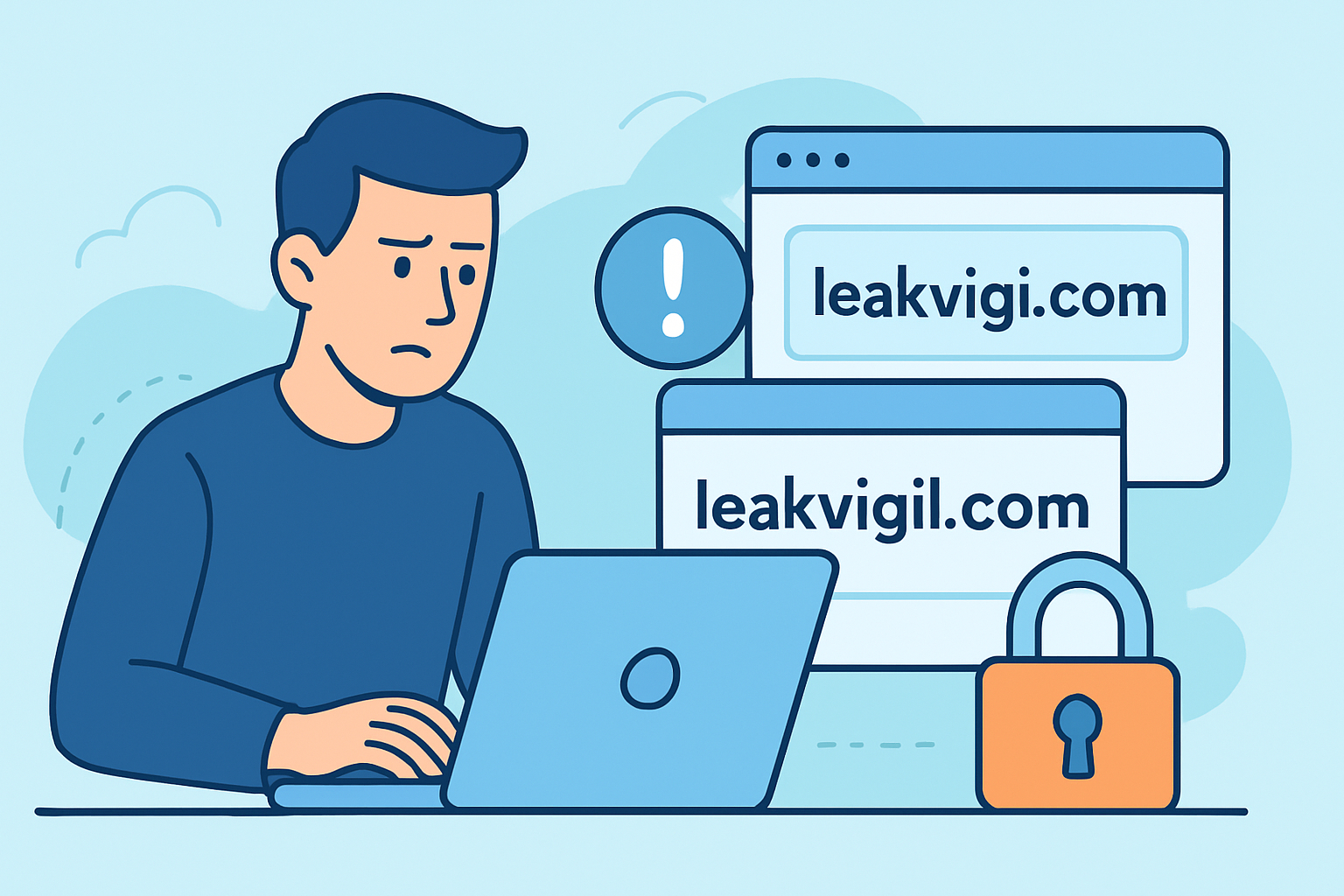
Combosquatting has quietly become one of the most effective ways attackers get employees and customers to hand over credentials without ever touching a company’s actual infrastructure. Unlike classic typosquatting, which relies on a misspelled or transposed domain like “gooogle.com,” combosquatting keeps the brand name intact and simply bolts on extra words – think “microsoft-support-login.com” or “paypal-secure-billing.net.” The brand still looks right at a glance, which is exactly why it works so well against people who are trained to spot obvious misspellings but not extra words tacked onto a familiar name.
For security teams, this distinction matters because combosquatting domains are harder to catch with simple fuzzy-matching tools built for one-character typos. They’re also cheap and disposable – an attacker can register dozens of variations in an afternoon and burn through them in phishing waves, discarding each one after a few days of use.
How combosquatting domains get built
Most combosquatting domains follow a predictable pattern, which is actually good news for defenders once they know what to look for.
Attackers usually combine the target brand with one of a handful of keyword categories: action words (“verify,” “login,” “reset,” “confirm”), trust words (“secure,” “official,” “support,” “help”), or context words tied to a current event (“covid,” “invoice,” “payroll,” “renewal”). A combosquatting domain aimed at a company called Northstar Logistics might show up as “northstar-logistics-support.com” or “secure-northstarlogistics.net.”
The registration itself is trivial – domain registrars don’t verify trademark ownership at signup, and a new domain can be live with a valid TLS certificate within an hour. That legitimate-looking padlock icon is part of the problem: free certificate authorities issue certs to anyone who controls a domain, regardless of intent, so “secure” in the browser bar means nothing about who’s actually behind the site.
Why credential theft is the primary goal
Combosquatting domains are rarely used for malware delivery on their own. Their main job is hosting convincing login page clones tied to phishing emails, SMS messages, or malicious ads.
A typical chain looks like this: an employee receives an email that appears to come from IT, warning that their VPN access will expire in 24 hours unless they “verify” their credentials. The link points to a combosquatting domain that mirrors the company’s actual SSO portal pixel for pixel. The employee enters their username and password, gets redirected to the real login page with a vague error, and never realizes anything happened.
Those harvested credentials often don’t get used immediately. They’re bundled with others and sold or dumped on forums and marketplaces, which is part of why credential stuffing attacks can surface weeks or months after the original phishing campaign, long after the incident feels closed.
Where combosquatting differs from other domain abuse
It helps to be precise about terminology here, since these terms get used interchangeably in vendor marketing and that sloppiness leads to gaps in monitoring coverage.
Typosquatting exploits keyboard proximity and common typing errors – a missing letter, a swapped pair, a nearby key. Combosquatting keeps the brand spelled correctly but adds words around it. Homograph attacks use lookalike Unicode characters (a Cyrillic “а” instead of a Latin “a”) to visually mimic a domain while technically being a different string entirely. All three fall under the broader umbrella of brand abuse through fake and cloned domains, but they require slightly different detection logic. A monitoring system tuned only for edit-distance typos will consistently miss combosquatting variants because the brand name string is a perfect match – the abuse is in what surrounds it.
The myth worth retiring: “our employees would never fall for that”
This is the most common misconception security teams run into, usually voiced right after a tabletop exercise or a failed phishing test debrief. The assumption is that combosquatting only fools careless or untrained users.
In practice, combosquatting pages succeed against attentive employees too, because the attack doesn’t rely on the target being fooled by the domain itself – it relies on urgency, context, and visual familiarity overriding the split-second domain check most people do, if they do one at all. A payroll-themed combosquatting page sent the week before month-end, referencing a real internal project name pulled from a prior leak, will beat security awareness training that focuses purely on “check the URL.” Sophisticated campaigns increasingly pair domain lookalikes with details lifted from prior breaches, which is one reason domain-based phishing campaigns have gotten measurably more convincing over the past few years rather than staying static.
Building a practical detection workflow
Waiting for a user to report a suspicious email is a lagging indicator. By the time that happens, the domain has usually already harvested some credentials. A better approach front-loads detection before the phishing wave hits inboxes.
Start by generating a permutation list for your organization’s core brand terms, including product names and common abbreviations, then check new domain registrations and certificate transparency logs against that list on a recurring basis – daily is realistic for most mid-sized organizations, though high-risk periods like open enrollment or tax season warrant tighter cycles. When a match surfaces, don’t jump straight to legal takedown requests, since those can take days or weeks and the domain will likely be inactive by then anyway. Instead, prioritize based on whether the domain has an active MX record (suggesting it’s set up to receive replies) or a live web server mimicking a login flow, since those are the ones actively being weaponized.
Document each confirmed combosquatting domain with its registration date, registrar, and hosting provider – patterns across these fields often reveal that the same actor is behind multiple campaigns, even when the domain names themselves look unrelated.
Frequently asked questions
Can combosquatting domains be taken down quickly?
Sometimes, but expect the process to take anywhere from a few days to several weeks depending on the registrar and hosting provider’s abuse response times. A domain hosted through a registrar known for slow abuse handling may still be up a month after the report is filed, so takedown should never be the only mitigation in place.
Does blocking the domain at the firewall level stop the risk?
It stops employees on the corporate network from reaching it, but does nothing for customers, remote workers on personal devices, or anyone who clicks the link from a personal email account. Domain blocking is a containment step, not a fix.
How is this different from monitoring for leaked credentials after the fact?
Combosquatting detection is preventive – it flags the infrastructure before or as it’s being used. Credential leak monitoring is reactive – it catches the fallout once stolen usernames and passwords surface in dumps or marketplaces. Organizations that rely on only one of the two consistently discover incidents later than they should.
Combosquatting works because it exploits the gap between “the brand name is right” and “the domain is legitimate,” and that gap won’t close through user training alone. Pairing proactive domain monitoring with credential exposure checks gives security teams visibility on both ends of the attack chain, rather than finding out only after the damage is already done.