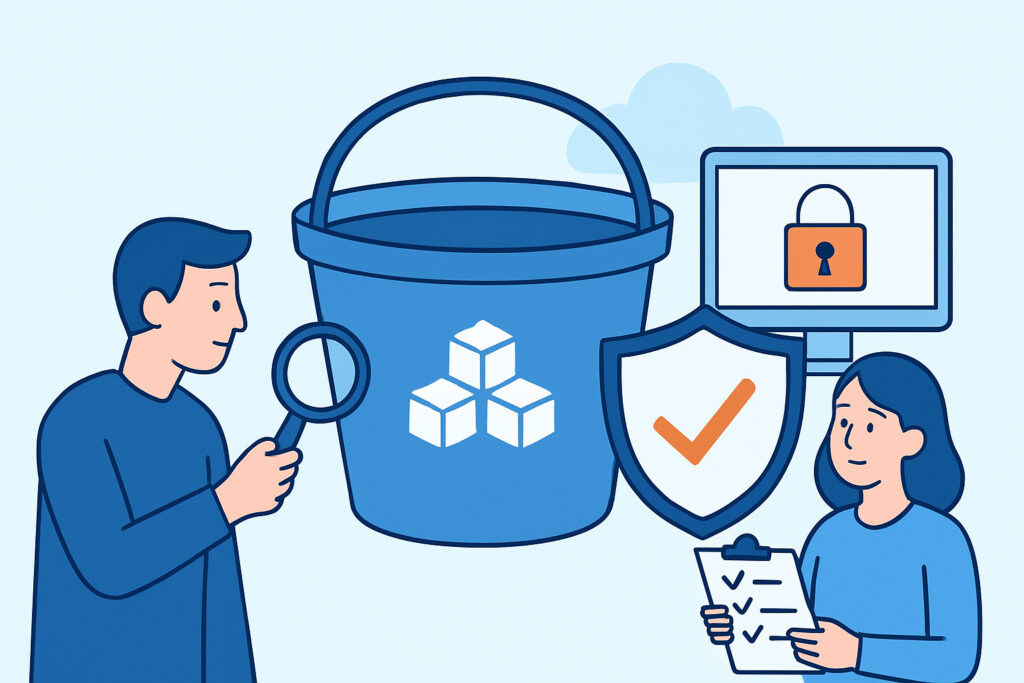
Every few months a new headline surfaces about a company that left an S3 bucket wide open to the internet, exposing customer records, internal documents, or backup files nobody remembered existed. Securing S3 buckets isn’t a one-time setup task – it’s an ongoing discipline, because a single misconfigured permission or a forgotten test bucket can undo months of otherwise solid security work. This checklist walks through the practical steps that actually prevent public exposure, not just the boilerplate advice you’ve read a dozen times.
How Public S3 Buckets Happen in the First Place
Most exposed buckets aren’t the result of a sophisticated attack. They’re the result of a developer testing something quickly, a migration that copied over old ACLs, or a bucket policy written to “just make it work” during a deadline crunch. Once that bucket is public, it often stays that way for months because nobody is actively checking.
A common pattern: a bucket is created for a short-lived project, marked public for convenience, and then forgotten when the project ends. The data inside – logs, exports, credentials, customer PII – stays reachable indefinitely. This is a subset of a much broader problem covered in cloud storage misconfigurations, which remain one of the top causes of data leaks across every major cloud provider, not just AWS.
The Checklist: Locking Down S3 Buckets Step by Step
Run through these items for every bucket in every account, not just the ones you remember creating.
1. Enable S3 Block Public Access at the account level first, then at the bucket level. This setting overrides individual ACLs and bucket policies, so it’s the single most effective control available.
2. Audit bucket policies for wildcard principals (“Principal”: “*”) combined with permissive actions like s3:GetObject. This combination is the root cause of nearly every public bucket incident.
3. Disable ACLs where possible and rely on bucket policies and IAM instead – ACLs are legacy, harder to audit, and easy to misconfigure.
4. Turn on default encryption (SSE-S3 or SSE-KMS) so that even a permissions mistake doesn’t hand over readable data.
5. Enable versioning and MFA delete on buckets holding sensitive or regulated data, to prevent silent tampering or deletion.
6. Turn on S3 server access logging or CloudTrail data events, so you have a record of who accessed what, and when.
7. Use AWS Config rules or a similar continuous-compliance tool to flag any bucket that drifts into a public state, since manual audits inevitably miss changes made outside change control.
8. Tag buckets by data sensitivity so your monitoring and alerting can prioritize the ones that actually matter.
None of these steps are exotic. The difficulty is almost never technical – it’s operational. Buckets multiply faster than review cycles can keep up with, especially in organizations running dozens of AWS accounts across multiple teams.
A Myth Worth Retiring
A persistent misconception is that “private by default” means a bucket stays private. It doesn’t. Any IAM user, application, or CI/CD pipeline with sufficient permissions can flip a bucket to public, intentionally or by mistake, at any point after creation. Default settings only describe the state at creation time – they say nothing about what happens six months later when someone reuses that bucket for a new purpose. Treat every bucket as if it could become public tomorrow, because operationally, it can.
What Attackers Actually Do With an Open Bucket
Exposed buckets don’t stay undiscovered for long. Automated scanners – run by both researchers and criminals – continuously enumerate common bucket naming patterns (company-backups, company-prod, company-logs) and check for public read access. Search engines also index publicly accessible bucket contents when permissions allow directory listing, which is a separate but related risk worth understanding through how search engines index sensitive corporate information.
Once a bucket is found, the contents are typically downloaded in bulk within hours, not days. From there, the data gets parsed for anything monetizable: credentials, API keys, customer PII, or internal documents useful for a follow-on phishing or extortion campaign. There’s rarely a warning shot – the first sign of trouble is often the data appearing on a forum or in a leak monitoring alert.
Catching Exposure Before It Becomes a Breach
Configuration controls reduce the odds of a mistake, but they don’t guarantee zero exposure – third-party tools, contractor accounts, and shadow IT projects sit outside your direct control. That’s why exposure detection has to run in parallel with prevention. Continuous scanning for indexed bucket contents, leaked bucket URLs, and data appearing in places it shouldn’t be gives you a second layer of defense when the configuration layer fails.
Teams that haven’t built this capability yet don’t need to start from scratch – a structured approach is outlined in setting up your first data leak monitoring system in five steps, which applies just as well to cloud storage exposure as it does to credential leaks.
FAQ
Does enabling S3 Block Public Access break legitimate use cases like static website hosting?
It can, if applied without review. Buckets intentionally serving public content, such as static websites or public downloads, need to be explicitly scoped and documented as exceptions, with the sensitive data kept in separate, locked-down buckets rather than mixed in with public assets.
How often should S3 bucket permissions be audited?
Continuously, not periodically. Manual quarterly audits miss drift that happens in between reviews. Automated tools like AWS Config, GuardDuty S3 protection, or third-party posture management should flag changes in real time, with a human review cadence layered on top as a backstop.
Is a private bucket enough, or does the data inside still need encryption?
Both matter independently. Access controls prevent unauthorized reads, but encryption protects the data if those controls ever fail – through a misconfiguration, a compromised IAM credential, or an insider mistake. Relying on access control alone leaves no fallback.
Securing S3 buckets comes down to treating access configuration as something that changes constantly, not something you set once and trust forever. Pair strict preventive controls with independent exposure monitoring, and a misconfigured bucket becomes a fast internal catch rather than a public headline.