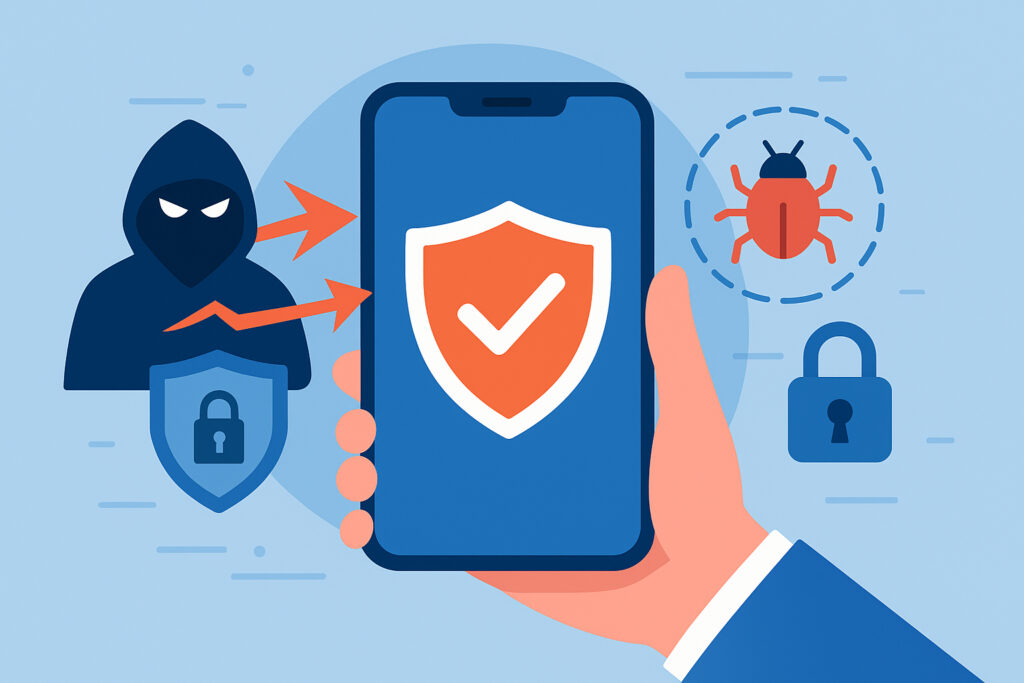
Your smartphone probably knows more about you than your closest friend. Banking apps, work emails, personal photos, location history – it’s all there. Yet most people protect their phones with nothing more than a basic antivirus app or, worse, no security at all. Meanwhile, mobile threats have evolved far beyond simple viruses. Today’s attackers use sophisticated techniques that can bypass traditional security measures entirely.
I learned this the hard way when one of our clients came to us after their CFO’s phone was compromised through what seemed like a harmless PDF attachment. The attacker didn’t just steal data – they monitored communications for weeks, waiting for the perfect moment to intercept a wire transfer authorization. That single incident cost the company over $200,000 and could have been prevented with proper mobile threat defense.
Why Traditional Security Falls Short
The old approach to mobile security – basically running a virus scanner on your phone – worked fine ten years ago. Back then, mobile malware was crude and easy to detect. Today’s threats are different. They use encrypted communications, hide in legitimate-looking apps, and exploit zero-day vulnerabilities before patches are available.
Network-based attacks have become particularly dangerous. An attacker can set up a fake Wi-Fi hotspot at a coffee shop and intercept all your traffic without ever touching your device. Your antivirus won’t catch this because there’s technically no malware on your phone. This is where modern mobile threat defense comes in.
What Real Mobile Threat Defense Actually Does
Think of mobile threat defense as a security team that watches everything happening on and around your device. It’s monitoring network connections, analyzing app behavior, checking for device vulnerabilities, and comparing everything against known threat patterns – all in real-time.
The key difference is behavioral analysis. Instead of just looking for known viruses, the system watches for suspicious patterns. Is an app suddenly accessing your contacts when it never did before? Is your device connecting to a server in a country you’ve never visited? These behavioral red flags often indicate an attack in progress.
The Four Critical Protection Layers
Network Protection
Every time your phone connects to Wi-Fi or cellular data, it’s exposed to potential attacks. Mobile threat defense analyzes these connections continuously, identifying man-in-the-middle attacks, rogue access points, and suspicious network traffic. When I’m traveling, I’ve seen our system block dozens of attempted attacks from hotel Wi-Fi networks that appeared completely legitimate.
App Threat Detection
Malicious apps have gotten incredibly good at hiding. They pass through app store reviews, look professional, and often work perfectly – while secretly stealing data in the background. Modern defense systems analyze app permissions, behavior, and communication patterns to spot threats that traditional scanning misses. This includes detecting when legitimate apps have been compromised through supply chain attacks.
Device Security Assessment
Is your operating system up to date? Are you jailbroken? Do you have unknown configuration profiles installed? These device-level vulnerabilities create entry points for attackers. Continuous monitoring ensures you know about security gaps before they’re exploited.
Phishing and Content Protection
Links in text messages, emails, and messaging apps can lead to sophisticated phishing sites that look identical to real login pages. Advanced mobile threat defense checks URLs in real-time, warning you before you hand over credentials to attackers.
Real-World Attack Scenarios
Let me walk you through what an actual attack looks like. An executive receives a text message appearing to come from their bank, warning about suspicious activity. The link goes to a perfect replica of the bank’s website. They enter their credentials, and within seconds, the attacker has access to their account.
But here’s where it gets worse. That same compromised phone is now on the company network. The attacker uses it as a foothold to move laterally, accessing internal systems and data. This is called a ”mobile pivot attack,” and it’s becoming increasingly common.
With proper mobile threat defense, the system would have flagged the malicious link before the executive clicked it. It would have detected the credential phishing attempt and blocked the connection. Even if the attack succeeded initially, behavioral monitoring would have caught the unusual network activity and isolated the device.
Common Myths About Mobile Security
”iPhones don’t get hacked” – This is dangerously wrong. While iOS has strong security, sophisticated attackers regularly find and exploit vulnerabilities. No mobile platform is immune.
”I don’t need protection because I only download apps from official stores” – App stores, while vetted, still host malicious applications. Google removes thousands of malicious apps from the Play Store monthly, often after they’ve been downloaded millions of times.
”Free VPNs protect me on public Wi-Fi” – Many free VPNs actually create more security risks than they solve. Some log and sell your data, others have serious security flaws. They’re not a substitute for comprehensive threat defense.
Implementing Mobile Threat Defense
Start by assessing your actual risk. If you handle sensitive business data, process payments, or access confidential information on your phone, you need enterprise-grade protection. Consumer-level antivirus apps won’t cut it.
Look for solutions that provide real-time monitoring, automated threat response, and integration with your other security systems. The best systems work invisibly in the background, only alerting you when there’s a genuine threat requiring action.
For businesses, centralized management is crucial. Your IT team needs visibility into all mobile devices accessing company resources, with the ability to enforce security policies and respond to threats immediately.
Questions People Actually Ask
Does mobile threat defense drain my battery? Modern systems use efficient monitoring techniques that have minimal battery impact, typically less than 3-5% daily usage.
Will it slow down my phone? Good solutions run efficiently in the background without noticeable performance impact. If your security software is slowing your device significantly, it’s poorly designed.
What happens when a threat is detected? Depending on severity, the system might block a connection, quarantine an app, or alert you to take action. Critical threats can trigger automatic responses like disconnecting from networks or wiping company data if the device is lost.
The bottom line is simple: smartphones are now the primary target for sophisticated attackers, and basic security measures aren’t enough anymore. Investing in proper mobile threat defense isn’t paranoia – it’s recognizing that the device in your pocket is often the weakest link in your security chain.