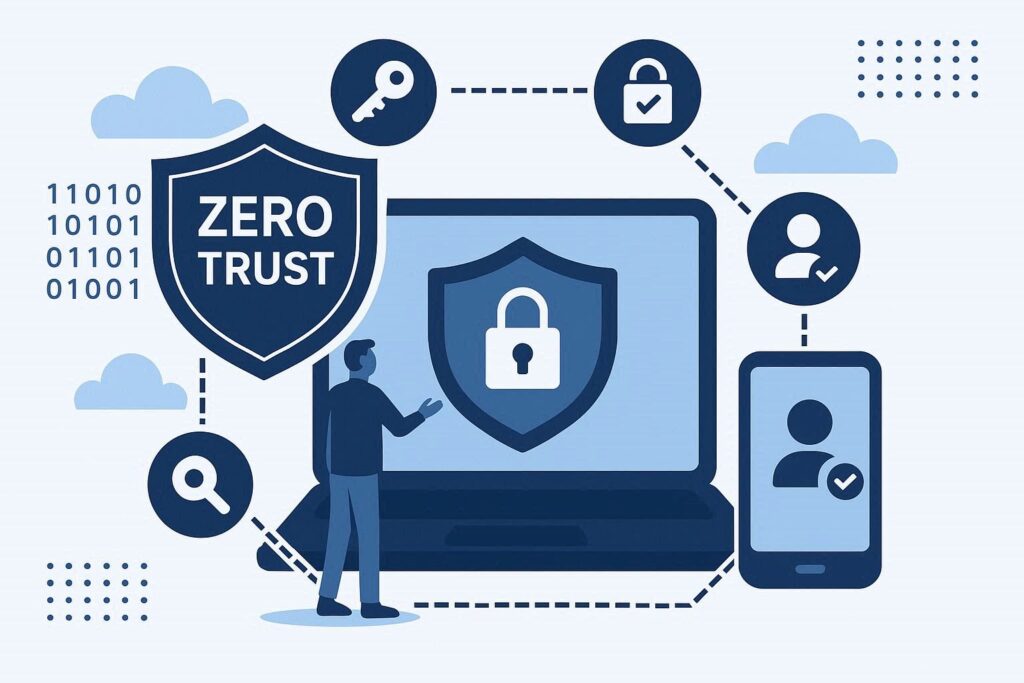
Zero Trust security and endpoint protection are often talked about as if they were competing strategies, but in practice they are two halves of the same defense model. Zero Trust assumes no device, user, or network segment should be trusted by default, while endpoint protection is the technical layer that actually enforces that assumption on every laptop, server, and mobile device connecting to company resources. Understanding how they fit together matters for any IT team trying to move past the old “trusted internal network” mindset that keeps failing in the face of remote work, cloud apps, and leaked credentials.
Why the Old Perimeter Model Stopped Working
For years, security architecture assumed that anything inside the corporate firewall was safe and anything outside was suspicious. That model made sense when employees sat in an office and accessed a handful of on-premise servers. It falls apart the moment staff work from home, connect through personal devices, or authenticate into a dozen SaaS platforms that live entirely outside the network perimeter.
A common scenario: an employee’s laptop gets infected with credential-stealing malware while connected to a coffee shop’s WiFi. Under a perimeter model, once that laptop reconnects to the VPN, it’s treated as a trusted internal device with broad access. Under Zero Trust, that same laptop has to prove it’s healthy and the user has to prove their identity every time they request access to a resource — regardless of network location.
What Zero Trust Actually Requires From Endpoints
Zero Trust is a framework built on a simple rule: verify explicitly, use least-privilege access, and assume breach. None of that works without visibility into the endpoint itself. A network can enforce identity checks all day, but if it can’t confirm the device making the request is patched, free of malware, and configured correctly, the “trust” decision is only half-informed.
This is where endpoint protection stops being a standalone antivirus tool and becomes a core input into access decisions. Practical requirements typically include:
Device health attestation before granting access to sensitive apps — checking disk encryption status, OS patch level, and whether endpoint detection and response (EDR) agents are running.
Continuous monitoring rather than one-time login checks, since a device can be compromised minutes after authentication succeeds.
Automated isolation of a device the moment anomalous behavior is detected, cutting it off from resources before an attacker can move laterally.
Common Myth: Zero Trust Means No Trust at All
A persistent misconception is that Zero Trust eliminates trust entirely, turning every login into a friction-filled ordeal. That’s not accurate. Zero Trust redistributes trust — instead of granting it once at the network edge and keeping it indefinitely, it grants narrow, time-limited trust based on continuously verified signals: identity, device posture, location, and behavior. Done well, users barely notice the difference day to day, because the checks happen silently in the background rather than through repeated manual prompts.
Another version of this myth is that buying a Zero Trust product from a vendor instantly makes an organization “Zero Trust.” In reality it’s an architectural approach that touches identity management, network segmentation, and endpoint policy together — no single tool delivers it out of the box.
Building Zero Trust on Top of Endpoint Protection: A Practical Path
Organizations that try to implement Zero Trust without first getting endpoint visibility in order tend to stall. A more realistic rollout looks like this:
1. Inventory every device that touches company data, including personal phones and contractor laptops — you cannot enforce policy on what you can’t see.
2. Deploy endpoint detection and response tooling that reports device health continuously, not just at login.
3. Tie access policies to that health data, so a device with an outdated OS or disabled encryption automatically loses access to sensitive systems until remediated.
4. Segment access by role and resource sensitivity, so a compromised marketing laptop can’t reach financial systems even after authentication.
5. Log and review access decisions regularly — Zero Trust is not “set and forget,” it needs tuning as new apps and device types get added.
Skipping straight to identity-based Zero Trust tools while leaving endpoints unmanaged is one of the more common mistakes seen in early rollouts. Teams end up with strong login policies protecting a network full of devices nobody can vouch for the health of. Choosing tooling deliberately, rather than bolting on whatever policy engine came bundled with an identity provider, tends to produce a far more coherent setup — a step-by-step evaluation process for endpoint security solutions helps avoid that gap.
Where Leaked Credentials Fit Into the Picture
Zero Trust reduces reliance on passwords alone, but it doesn’t make credential leaks irrelevant. A username and password that surfaces in a breach dump is still a valid input an attacker can try against a login prompt, and if device or behavioral checks are weak, a leaked credential combined with a spoofed or compromised device can still slip through. This is why endpoint health checks and credential exposure monitoring work best as complementary layers rather than substitutes for each other — one confirms the device is trustworthy, the other flags when the identity behind it has already been compromised elsewhere. Knowing how endpoint protection prevents data breaches in the first place helps clarify why this layered approach matters more than any single control.
FAQ
Is Zero Trust just a rebranding of endpoint protection?
No. Endpoint protection is one input Zero Trust relies on, alongside identity verification, network segmentation, and access policy engines. Zero Trust is the overarching philosophy; endpoint protection supplies the device-health evidence that philosophy depends on to make access decisions.
Do small businesses need Zero Trust, or is it only for large enterprises?
Smaller organizations often benefit more, since they typically lack the layered network defenses larger enterprises have historically relied on. A practical starting point is understanding what endpoint protection actually covers before layering identity and access controls on top.
Can Zero Trust fully replace a VPN?
In many modern setups, yes — Zero Trust network access (ZTNA) solutions increasingly replace traditional VPNs by granting per-application access based on identity and device posture rather than blanket network access. That said, the transition should be gradual and tested, since a poorly configured ZTNA rollout can create access gaps just as easily as it closes them.
Zero Trust and endpoint protection aren’t a checklist item to complete once — they’re an ongoing discipline of verifying devices, users, and behavior continuously as the environment changes. Organizations that treat endpoint health as a live input to access decisions, rather than a background antivirus function, end up with a security posture that actually reflects how work happens today: distributed, device-diverse, and never fully “inside” a trusted perimeter.