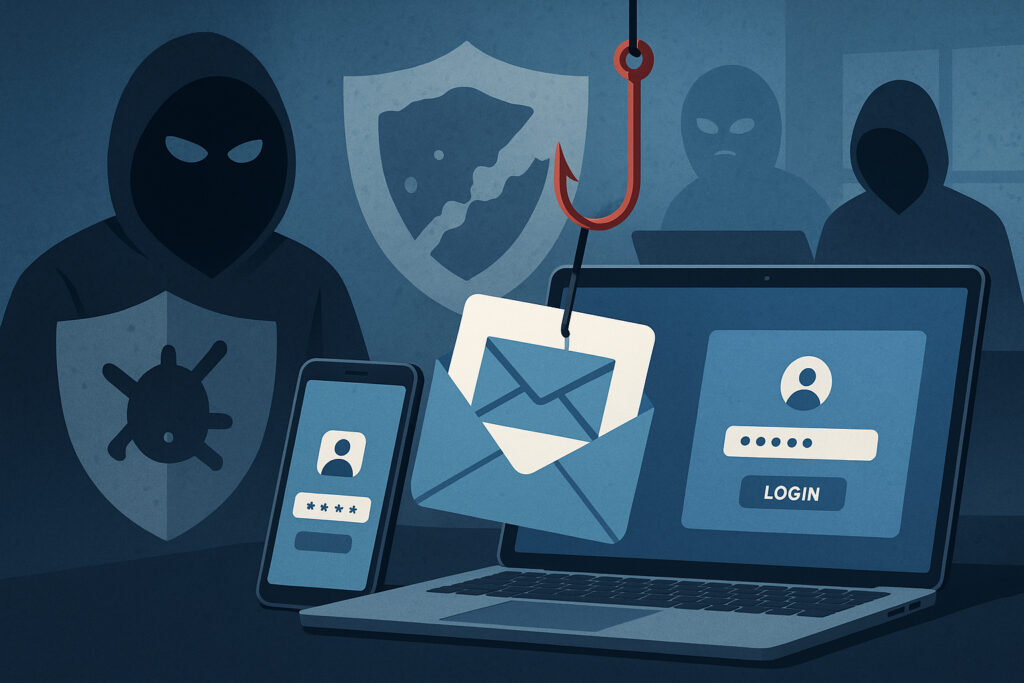
If you’re running a security team or managing IT infrastructure, you’ve probably wondered why phishing emails keep landing in inboxes despite the money you’ve spent on filters and gateways. The reality is that phishing attacks bypass traditional security tools with alarming regularity — and understanding exactly how they do it is the first step toward actually stopping credential theft and data leaks before they spiral out of control.
This isn’t a theoretical problem. Credential phishing is now the single most common entry point for data breaches, and the techniques attackers use have evolved far beyond what legacy email filters were designed to catch.
Why Signature-Based Detection Keeps Failing
Most traditional security tools — email gateways, antivirus, spam filters — rely on signature-based detection. They maintain databases of known malicious domains, file hashes, and email patterns. When something matches a known bad signature, it gets blocked.
The flaw is obvious: attackers know these databases exist. A phishing campaign launched on Monday morning uses freshly registered domains, brand-new email templates, and infrastructure that has zero history in any threat intelligence feed. By the time the signatures get updated — usually 24 to 72 hours later — the campaign has already harvested hundreds of credentials.
I’ve seen organizations with six-figure annual security budgets get compromised by a phishing email that was less than four hours old. Their gateway had no signature for it. Their URL scanning tool rated the link as “uncategorized” rather than malicious. The attacker registered the domain, built a fake Microsoft 365 login page, sent 200 emails, collected credentials, and abandoned the domain — all before lunch.
Legitimate Services as Attack Infrastructure
Here’s a tactic that makes traditional filters nearly useless: attackers host their phishing pages on services your email gateway trusts by default. Google Docs, Dropbox, SharePoint, Notion, even GitHub Pages — these domains appear on every allowlist in existence.
An attacker sends a link to a Google Docs page. The page contains a convincing “Your session has expired — click here to re-authenticate” message with a button linking to the actual credential harvesting site. The email filter sees a google.com URL, scores it as safe, and delivers it straight to the inbox.
This isn’t clever or novel anymore. It’s standard operating procedure for most phishing kits available on underground forums. The myth that “our email filter catches everything suspicious” is exactly that — a myth. Filters catch known threats. Phishing campaigns are designed from the ground up to be unknown.
The Browser Has Become the Battlefield
Traditional endpoint protection watches the file system. It scans downloads, monitors executables, and flags suspicious files. Modern phishing doesn’t need any of that.
Today’s credential theft happens entirely in the browser. A JavaScript-based keylogger running in a browser tab, a pixel-perfect clone of your company’s SSO login page rendered in HTML5, a man-in-the-middle proxy that intercepts session tokens in real time — none of these touch the file system. Your antivirus has nothing to scan because there’s nothing to scan.
Browser-based attacks also exploit the trust users place in familiar interfaces. When someone sees their company’s logo, the correct color scheme, and a URL that looks close enough, they type their password. No amount of endpoint detection will stop an authorized user from entering credentials on a page that looks legitimate.
Phishing Has Left the Inbox
Email is still the primary vector, but attackers now operate across every channel your employees use. SMS phishing (smishing), Teams and Slack messages from compromised accounts, LinkedIn direct messages, even QR codes on physical documents that lead to credential harvesting pages.
Traditional email security provides zero visibility into these channels. An employee receives a text message claiming to be from IT support, asking them to “verify their identity” via a link. The link loads a fake login page. Credentials are stolen. Your email gateway never saw a thing.
This is why employee training remains the first line of defense — technology alone cannot cover every channel attackers exploit.
What Happens After Credentials Are Stolen
The real damage begins after the phishing attack succeeds. Stolen credentials don’t just sit in an attacker’s inbox. They get sorted, tested against corporate VPNs and cloud services, bundled into databases, and sold. Understanding how cybercriminals monetize stolen corporate credentials makes it clear why a single phished password can cascade into a full-scale breach.
Within hours, your company email domains may appear in credential dumps circulating on paste sites, Telegram channels, and dark web marketplaces. If nobody is watching those sources, you won’t know about the compromise until the attacker has already moved laterally through your network.
This is where reactive security falls apart. Traditional tools focus on blocking the attack at the perimeter. But when phishing bypasses that perimeter — and it will — you need visibility into what happens next. Continuous dark web monitoring and data leak detection give you the early warning that perimeter tools cannot.
Building Defenses That Actually Work
Stopping phishing isn’t about buying one more tool. It’s about accepting that some attacks will get through and building layers that detect compromise quickly.
Start with the assumption that credentials will be phished. From there, the question shifts from “how do we block every phishing email” to “how fast can we detect that credentials were stolen and respond.” Enforce multi-factor authentication everywhere — not SMS-based, which is vulnerable to SIM swapping, but hardware tokens or authenticator apps. Monitor for credential exposure across dark web sources and paste sites continuously. Set up alerts for impossible-travel logins and unusual access patterns.
Reduce the blast radius. Segment access so that one compromised account doesn’t give an attacker the keys to everything. Review third-party app permissions regularly. Kill dormant accounts.
And run realistic phishing simulations — not the obvious ones that everyone spots, but the subtle ones that mirror real attacker techniques. Measure click rates, credential submission rates, and reporting rates. The goal isn’t to shame anyone. It’s to build the muscle memory that makes employees pause before clicking.
FAQ
Why do phishing emails still get through even with advanced email security?
Modern phishing campaigns use freshly created infrastructure, legitimate hosting services, and social engineering techniques that have no prior signature in security databases. Email filters excel at catching known threats, but phishing is specifically engineered to be unknown at the time of delivery. The gap between campaign launch and signature update is the attacker’s window of opportunity.
Is multi-factor authentication enough to stop phishing?
MFA significantly raises the bar, but it’s not bulletproof. Advanced phishing kits now use real-time proxy techniques that capture both the password and the MFA token simultaneously, replaying them to the legitimate service before they expire. Hardware security keys (FIDO2/WebAuthn) are currently the strongest defense because they verify the actual domain, making proxy-based attacks ineffective.
How quickly should we respond if employee credentials appear in a data leak?
Immediately. The window between credential exposure and active exploitation is shrinking — in many cases, stolen credentials are tested against corporate systems within hours. Force a password reset, revoke active sessions, audit recent account activity, and check for unauthorized access or data exfiltration. Speed is the difference between a contained incident and a full breach.
The uncomfortable bottom line is this: traditional security tools were built for a threat landscape that no longer exists. Phishing succeeds because it targets the gap between what technology can detect and what humans can be tricked into doing. Closing that gap requires continuous monitoring, rapid detection of credential exposure, and the honest admission that prevention alone will never be enough.