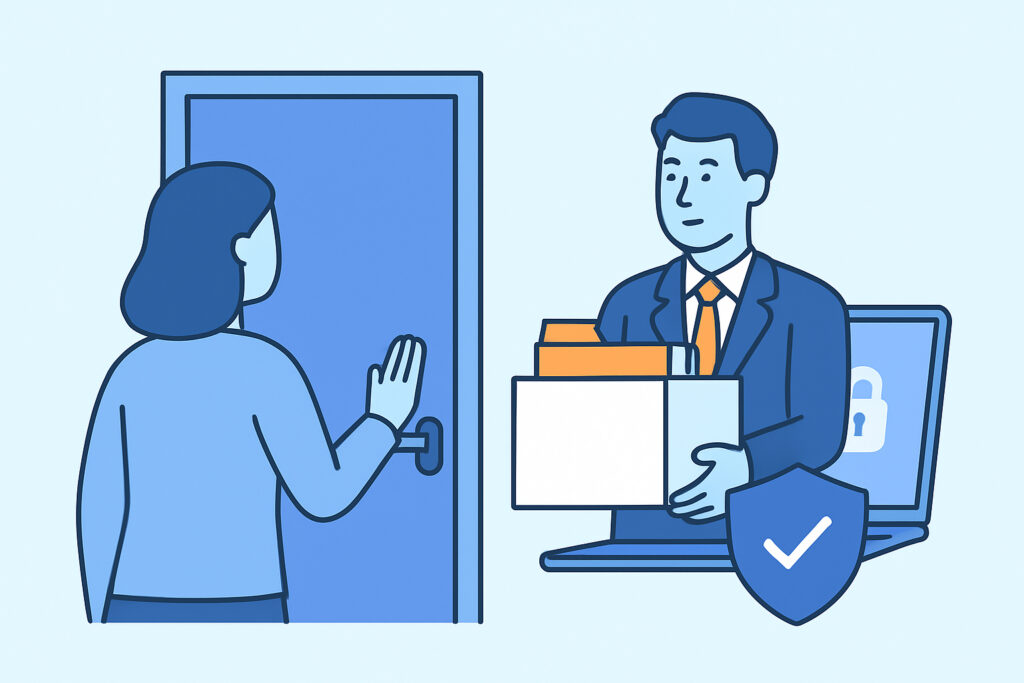
Every departing employee leaves behind a trail of access – accounts, shared drives, API keys, Slack channels, VPN sessions – and employee offboarding is where most organizations quietly fail at closing it. When offboarding is treated as an HR checkbox rather than a security process, former staff can retain working credentials for weeks or months after their last day, and that gap is exactly where accidental leaks and deliberate data theft happen.
Why offboarding is a leak monitoring blind spot
Security teams tend to focus heavily on external threats – phishing kits, credential dumps on forums, exposed S3 buckets – and treat internal account deprovisioning as a separate IT function. That separation is the problem. A departing employee doesn’t need to be malicious to become a leak source; a personal laptop still synced to a corporate Google Drive, a forgotten mobile app session, or a password reused across a departed contractor’s personal accounts can all surface company data long after the exit interview.
The pattern shows up again and again in postmortems: an account gets disabled in the HR system, but the underlying service account, API token, or third-party SaaS login never gets touched. Nobody notices until that credential appears in a breach dump or a disgruntled ex-employee logs into a system they should never have been able to reach.
What a thorough offboarding checklist actually covers
A checklist that only covers “disable email and badge access” misses most of the real exposure. A defensible offboarding process should walk through every system the employee touched, not just the obvious ones.
Identity and access management – disable SSO, revoke all active sessions (not just the password), and force logout on every connected device.
VPN and remote access – revoke VPN certificates and credentials immediately; these are often overlooked because they’re provisioned outside the main identity system, and leaked VPN credentials give an attacker or disgruntled ex-employee a direct path into the internal network.
API keys and service accounts – rotate any key the employee had access to, including ones embedded in scripts, CI pipelines, or personal dev environments.
Third-party SaaS tools – Slack, Notion, Confluence, Trello, GitHub, cloud storage. Each of these needs an individual audit, since centralized SSO often doesn’t cover every integration or legacy login.
Shared credentials – if the employee ever had access to a shared account (a social media login, a vendor portal, a shared inbox), that password needs to be rotated, not just the personal account disabled.
Physical and local data – company laptops wiped or returned, and any local copies of sensitive files confirmed deleted.
The myth that offboarding is “done” once the account is disabled
A common misconception is that disabling a user’s primary account – usually the email or SSO login – effectively cuts off all access. In practice, disabling SSO does nothing to sessions that are already active. Browser sessions, mobile app tokens, and API keys frequently outlive the account they were issued from, sometimes for weeks. This is the same mechanism behind broader session-based exposure, where a valid session token functions as a full credential even without a password – a risk covered in more depth in the piece on session cookie theft as a credential leak without passwords. Offboarding needs to explicitly include session and token revocation as a separate step, not assume it happens automatically.
A realistic timeline of how offboarding gaps turn into leaks
Consider a mid-sized company where a marketing contractor’s engagement ends on a Friday. IT disables the contractor’s email Monday morning as part of the weekly batch process. Between Friday and Monday, the contractor’s laptop – still logged into the shared Canva account, an internal analytics dashboard, and a Slack workspace – remains fully functional. No malicious intent is required for a problem to emerge: the contractor might simply forget to log out, and three months later that laptop is sold secondhand with cached sessions still valid.
Now scale that scenario to a company with dozens of departures a year, several SaaS tools per department, and no centralized deprovisioning tracker. The exposure window multiplies, and most organizations only discover the gap when credentials from a departed employee turn up in a monitoring alert or, worse, in an incident investigation after something has already gone wrong.
Building offboarding into the leak monitoring workflow
Effective offboarding isn’t just about the exit process itself – it’s about verifying that the exit process worked. That means treating former employee credentials as an ongoing monitoring category, not a one-time cleanup task. Watching for former employees’ corporate email addresses or usernames appearing in credential dumps, paste sites, or dark web listings closes the loop between “we think we revoked access” and “we confirmed nobody can still use it.”
This is also where offboarding intersects with broader policy work. Organizations with distributed or remote teams face a harder version of this problem, since employees may have used personal devices, home networks, or unmanaged apps that IT never had full visibility into. Building a clear, written offboarding procedure as part of a broader cybersecurity policy for remote and hybrid teams gives HR and IT a shared checklist instead of relying on tribal knowledge.
Rotating any shared or reused credentials as part of offboarding follows the same logic used after any confirmed leak alert – the process for credential hygiene and rotating passwords after a leak alert applies just as well to a planned departure as it does to an unplanned breach.
FAQ
How long after an employee leaves should access be fully revoked?
Access should be revoked on the employee’s last working day, ideally before they leave the building or hand back equipment. Delays of even a few days create a window where sessions and tokens remain valid, so same-day revocation across all systems – not just email – should be the standard, with automated deprovisioning where possible.
Does disabling an employee’s SSO account revoke all their access?
No. SSO disablement blocks new logins but typically does not terminate already-active sessions, mobile app tokens, or API keys issued outside the identity provider. Each of these needs to be revoked separately, and any credential that isn’t tied to SSO needs to be identified and rotated manually.
What’s the biggest offboarding mistake companies make?
Treating offboarding as an HR task instead of a security process. When IT and security aren’t looped in with a full inventory of the departing employee’s access – including third-party tools and shared credentials – gaps are almost guaranteed, and those gaps often aren’t discovered until data surfaces somewhere it shouldn’t.
Offboarding will never be airtight if it’s handled as an afterthought squeezed into the last day of employment. Treating it as a security control with its own checklist, verification step, and ongoing monitoring for leftover credentials is what actually closes the door – and keeps a routine departure from turning into next quarter’s incident report.