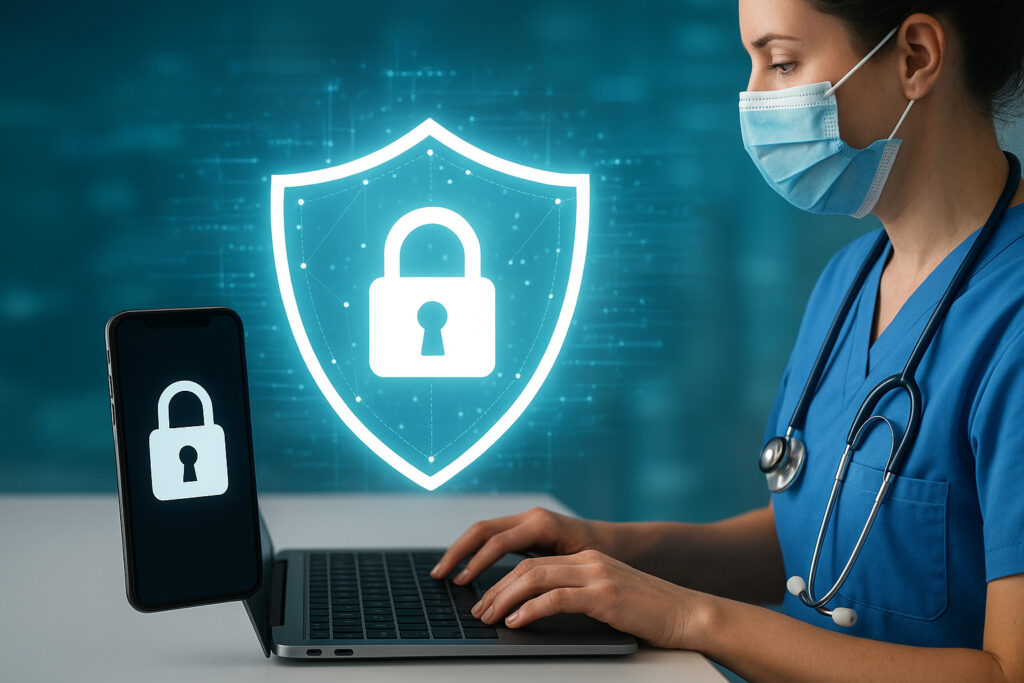
Healthcare organizations handle some of the most sensitive information imaginable. Every patient record, diagnosis, treatment plan, and billing detail represents not just data, but someone’s deeply personal health journey. Yet here’s what keeps me up at night: healthcare remains one of the most targeted industries for cyberattacks, and the weakest link is often the devices your staff use every day.
I’ve seen firsthand how a single infected laptop can cascade into a full-blown data breach. Last year, a mid-sized clinic contacted us after a nurse’s workstation got compromised through a seemingly innocent email attachment. Within hours, ransomware had encrypted patient records across their entire system. The financial damage was significant, but the reputation hit and patient trust issues lingered for months afterward.
Why Healthcare Is a Prime Target
Let’s be clear about what we’re facing. Medical records sell for 10-50 times more than credit card numbers on the dark web. Why? Because health data doesn’t change. You can cancel a credit card, but you can’t change your medical history. Attackers know this, and they’re specifically hunting for healthcare endpoints.
The problem intensifies with remote work and mobile devices. Doctors checking records from home, nurses using tablets during rounds, administrative staff accessing billing systems from various locations – each connection point is a potential entry for threats. Traditional perimeter security doesn’t cut it anymore when your ”perimeter” includes someone’s home WiFi network.
What Makes Endpoint Security Different
Endpoint security isn’t just fancy antivirus software. It’s a comprehensive approach that protects every device that connects to your healthcare network. Think of it as having a security guard stationed at every possible entrance, rather than just one at the front door.
Here’s what modern endpoint protection actually does:
Real-time monitoring watches for suspicious behavior patterns. When a device suddenly starts accessing hundreds of patient files at 3 AM, that’s flagged immediately. Automated threat response can isolate an infected device before malware spreads. Encryption management ensures that even if a laptop gets stolen, the data remains unreadable. Application control prevents unauthorized software from running in the first place.
Implementation Steps That Actually Work
Rolling out endpoint security doesn’t have to disrupt your operations. Here’s a realistic approach based on what we’ve learned from healthcare deployments:
Start with inventory and risk assessment. You can’t protect what you don’t know exists. Document every device that touches patient data – including those old workstations in storage closets that ”nobody uses anymore” but are still network-connected.
Deploy in phases, not all at once. Begin with high-risk areas like billing and records departments. This lets you work out any kinks before rolling out facility-wide. Expect the initial deployment phase to take 2-4 weeks for a typical clinic.
Configure policies that match your workflow. This is where many implementations fail. A policy that works for a hospital emergency department won’t suit a small practice. Allow emergency access procedures, but log everything.
Set up automatic updates. Here’s a uncomfortable truth: the Wannacry ransomware that devastated healthcare systems in 2017 exploited a vulnerability that had been patched months earlier. Automatic updates eliminate the ”we’ll do it next week” problem.
The Real-World Impact on Daily Operations
I’ll be honest – there’s usually some initial friction. Staff might complain about an extra authentication step or wonder why they can’t install random browser extensions anymore. But after the first time your endpoint security blocks a cryptomining malware or catches a phishing attempt, attitudes shift quickly.
One practice administrator told me they were skeptical until the system caught an employee’s personal device (which they’d connected to check email) that was already infected with spyware. That device never touched patient data thanks to automatic quarantine.
Common Mistakes to Avoid
Don’t assume HIPAA compliance equals security. HIPAA sets minimum standards; actual security requires going beyond checkboxes.
Don’t forget about mobile devices. Smartphones and tablets access patient portals too. They need the same level of protection.
Don’t neglect user training. Technology can’t fix human error completely. Your staff needs to understand why endpoint security matters and how to spot threats.
Don’t ignore old systems. That imaging machine running Windows XP still needs protection, even if it can’t run modern software. Network segmentation helps here.
Measuring Success Beyond Compliance
How do you know if your endpoint security is working? Track these metrics: number of threats blocked, average time to detect suspicious activity, and incident response time. If you’re catching threats before they become incidents, you’re doing it right.
Cost-benefit analysis matters too. The average healthcare data breach costs $10.93 million according to recent studies. Compare that to the investment in proper endpoint security – the math makes itself.
Frequently Asked Questions
Will endpoint security slow down our systems? Modern solutions are designed to run efficiently in the background. Any performance impact is typically negligible compared to the alternative of dealing with ransomware.
What about personal devices in BYOD scenarios? Containerization technology lets you secure work data on personal devices without accessing personal information. It’s doable but requires clear policies.
How quickly can we deploy this? For a small practice, expect 1-2 weeks. Larger healthcare systems need 1-3 months for full deployment.
What happens during system updates or maintenance? Quality endpoint security solutions include failsafe modes that maintain protection even during maintenance windows.
The bottom line: patient data protection isn’t optional, and endpoint security is your first line of defense. Get it right, and you’ll sleep better knowing that your patients’ most sensitive information stays exactly where it belongs – secure and private.