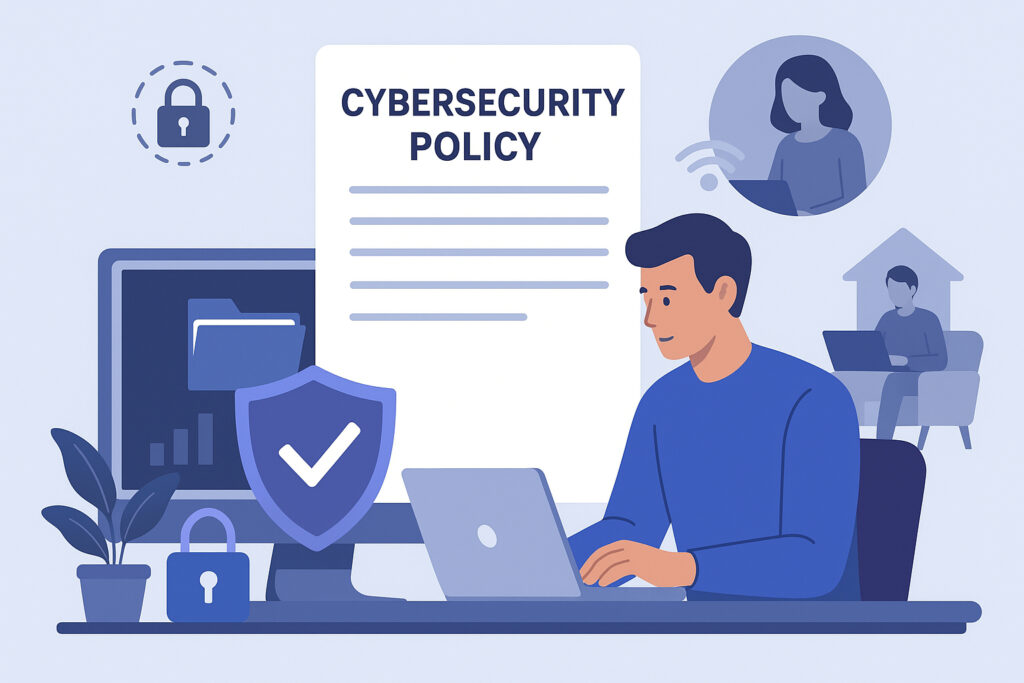
The shift to remote and hybrid work has fundamentally changed how we approach cybersecurity. When your team is scattered across different locations, using various networks and devices, the traditional office security perimeter simply doesn’t exist anymore. You need a cybersecurity policy that actually reflects this new reality.
Start with Device Protection
The first thing you need to address is endpoint security. Every laptop, phone, and tablet your employees use to access company data is a potential entry point for threats. This isn’t just about company-owned devices anymore. Many teams operate on a bring-your-own-device model, which adds another layer of complexity.
Your policy should mandate real-time protection on all devices. This means automated malware scanning, regular security updates, and monitoring for suspicious activity. The key word here is automated. You can’t rely on employees remembering to run updates or scans manually. When someone’s working from a coffee shop or their home office, they’re not thinking about whether their antivirus definitions are current.
I’ve seen companies struggle with this because they tried to implement policies that were too rigid. If your security measures make it difficult for people to actually do their work, they’ll find workarounds. And those workarounds are usually less secure than having no policy at all.
Define Clear Access Controls
Not everyone needs access to everything. Your policy should spell out who can access what data and systems. Use role-based access controls and the principle of least privilege. Someone in marketing doesn’t need access to financial systems, and your sales team probably doesn’t need to see HR records.
Multi-factor authentication should be non-negotiable for accessing any company resources. Yes, it adds an extra step, but it’s one of the most effective ways to prevent unauthorized access. Make sure your policy covers how and when MFA is required.
Establish Network Security Guidelines
Remote workers connect from all sorts of networks. Home WiFi, hotel connections, airport terminals, you name it. Your policy needs to address this. Require VPN use when accessing company resources from outside trusted networks. Explain why public WiFi is risky and what precautions employees need to take.
Be specific about what’s acceptable and what isn’t. Can employees access company email from their personal phone? What about using personal cloud storage for work files? These seem like small details, but they’re exactly the kind of things that create security gaps.
Create an Incident Response Plan
Even with the best policies, incidents will happen. Someone will click a phishing link, lose a device, or encounter a security threat. Your policy should outline exactly what employees need to do when something goes wrong. Who do they contact? What information do they need to provide? What are the first steps they should take?
Make this process as simple as possible. In a crisis, people don’t think clearly. If your incident reporting procedure requires filling out a ten-page form, people will delay reporting issues, and that delay can make things much worse.
Keep It Current and Accessible
A cybersecurity policy isn’t something you write once and forget about. Threats evolve, your team changes, and your tools update. Schedule regular reviews of your policy, at least annually, and update it as needed.
Just as importantly, make sure your policy is actually accessible. Don’t bury it in a shared drive where nobody will ever read it. Create a version that’s easy to understand and refer to. Consider having a quick reference guide for common scenarios.
Your cybersecurity policy is only effective if people actually follow it. That means it needs to be practical, clear, and built around how your team actually works. Focus on protecting your endpoints, controlling access, securing networks, and having a plan when things go wrong. Do that, and you’ll have a solid foundation for keeping your remote and hybrid team secure.