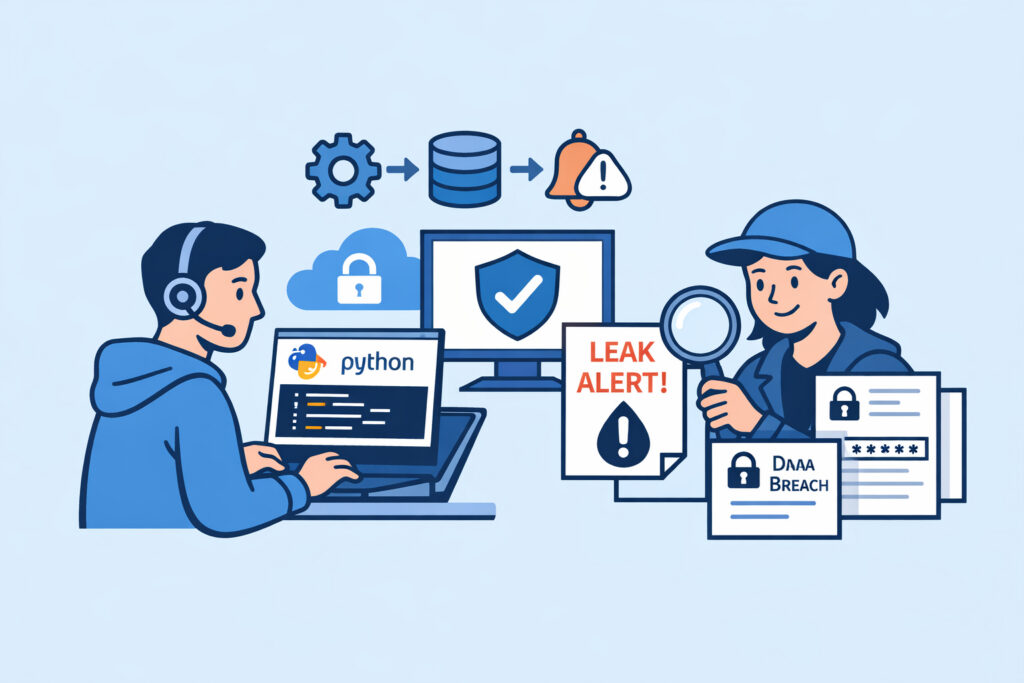
If you run a security team or manage IT infrastructure, there’s a good chance you’ve outgrown basic alerting tools and started thinking about building custom data leak monitoring workflows. Python scripts give you the flexibility to connect APIs, parse leaked data dumps, and trigger alerts on your own terms – without waiting for a vendor’s next feature release. This article walks you through practical Python-based approaches to monitoring for exposed credentials, sensitive documents, and other data leaks across multiple sources.
Why Python for Data Leak Monitoring
Python has become the default scripting language in cybersecurity for good reason. The ecosystem is massive – you’ve got libraries for HTTP requests, JSON parsing, regex, email alerts, database connections, and virtually every API you’ll encounter. If you need to pull data from a paste site API at 2 AM, compare it against a list of company email domains, and fire off a Slack notification – that’s a 60-line script, not a six-month procurement cycle.
The real advantage isn’t the language itself, though. It’s the ability to build workflows tailored to your specific threat surface. Off-the-shelf monitoring tools are designed for the average organization. Your risk profile isn’t average. Maybe you have 14 SaaS platforms, a public GitHub org with 200 repos, and a legacy internal domain that keeps showing up in old breach dumps. A custom script handles that complexity without compromise.
Building a Credential Exposure Scanner
One of the most common starting points is a script that checks whether company email addresses appear in known breach datasets. Here’s a simplified workflow:
Step 1 – Define your watchlist. Collect all email domains your organization uses. Don’t forget subsidiaries, acquired companies, and legacy domains that employees may still have credentials tied to. Store these in a simple text file or database table.
Step 2 – Connect to breach data APIs. Services like Have I Been Pwned offer API access. Your script sends each domain or address as a query, parses the JSON response, and logs any hits. Keep in mind that API rate limits directly affect your monitoring coverage – build in proper retry logic with exponential backoff instead of hammering the endpoint.
Step 3 – Deduplicate and enrich. Raw breach data is noisy. You’ll get hits from breaches that happened in 2014 and have long been remediated. Your script should compare new findings against a local database of previously seen entries and only flag genuinely new exposures.
Step 4 – Alert and log. Send notifications through whatever channel your team actually monitors – Slack webhook, email, PagerDuty, or a ticket in your ITSM system. Log everything with timestamps for compliance purposes.
A working version of this might be 150–200 lines of Python. Not a weekend project, but not a massive engineering effort either.
Monitoring Paste Sites and Dark Web Sources
Paste sites have been a favourite dumping ground for stolen credentials for over a decade. A basic monitoring script polls known paste site APIs or RSS feeds on a schedule, pulls down new entries, and runs regex patterns looking for your domains, IP ranges, or proprietary keywords.
Here’s where most DIY scripts fail: they match too broadly or too narrowly. Searching for “acme” catches every cartoon reference on the internet. Searching for “acme-corp-internal-vpn-config” catches nothing because attackers don’t label things helpfully. The practical approach is a tiered keyword list – high-confidence terms like full email domains and internal hostnames get immediate alerts, while broader terms get logged for weekly review.
For dark web sources, direct access is more complex. Most teams use aggregator APIs that index .onion sites and Telegram channels rather than running their own Tor scrapers. Your Python script becomes a consumer of these APIs, applying the same keyword matching and deduplication logic.
GitHub and Code Repository Scanning
Leaked secrets in code repositories remain one of the most common – and most preventable – exposure vectors. A Python script using the GitHub API can search for commits containing your organization’s domain names, API key prefixes, or internal service names.
The tricky part is false positives. Your script needs to distinguish between a developer who accidentally pushed an AWS access key and a README file that mentions your company in a list of customers. Pattern matching with context awareness – checking whether a string looks like an actual key format versus prose – saves your team from alert fatigue.
Schedule these scans to run every few hours. Secrets pushed to public repos get scraped by automated bots within minutes, so the window between exposure and exploitation is painfully short.
Common Myth – One Script Covers Everything
Here’s a misconception that burns teams regularly: the belief that a single Python script can replace a comprehensive data leak monitoring platform. It can’t. A custom script is excellent for specific, well-defined tasks – scanning a particular API, parsing a specific data format, integrating with your internal systems. But maintaining coverage across 15+ data source categories, handling API changes, managing rate limits across dozens of endpoints, and keeping up with new leak channels is a full-time job.
The practical approach is hybrid. Use automated monitoring services for broad, continuous coverage, and layer custom Python scripts on top for organization-specific workflows that no vendor can anticipate. Your scripts fill the gaps – they don’t replace the foundation.
Scheduling and Operational Considerations
Running scripts manually defeats the purpose. Use cron jobs on Linux or a task scheduler for regular execution. A typical schedule might look like this: credential checks every 6 hours, paste site monitoring every 30 minutes, GitHub scanning every 2 hours, and a weekly full scan across all sources.
Log rotation matters more than you’d think. A monitoring script that runs every 30 minutes generates a lot of output over a year. Implement proper log rotation from day one, and store alert history in a lightweight database – SQLite works fine for most teams – rather than flat files.
Error handling is critical. APIs go down, rate limits get hit, network timeouts happen. Your scripts need to fail gracefully, retry intelligently, and alert you when the monitoring itself breaks. The worst outcome is a script that silently stopped working three weeks ago while you assumed everything was fine.
If you’re just getting started, the step-by-step guide to setting up your first monitoring system covers the foundational decisions before you write a single line of code.
FAQ
What Python libraries are most useful for data leak monitoring scripts?
The core stack for most workflows includes requests for API calls, re for pattern matching, json for parsing API responses, sqlite3 for local storage, and smtplib or a Slack SDK for alerting. For more advanced use cases, BeautifulSoup handles HTML parsing from paste sites, and schedule or system cron manages recurring execution.
How do I avoid getting blocked by APIs when running frequent scans?
Respect documented rate limits – always. Implement exponential backoff on HTTP 429 responses. Cache results locally so you never request the same data twice. If an API offers webhook or streaming options instead of polling, use those. Running multiple parallel requests from the same IP is the fastest way to lose access permanently.
Can custom Python scripts replace commercial data leak monitoring services?
For narrow, well-defined tasks – yes. For comprehensive coverage across dozens of data sources with consistent uptime and maintenance – realistically, no. Custom scripts work best as a supplement, handling organization-specific monitoring needs that commercial platforms don’t cover out of the box. The combination of both gives you the broadest protection.