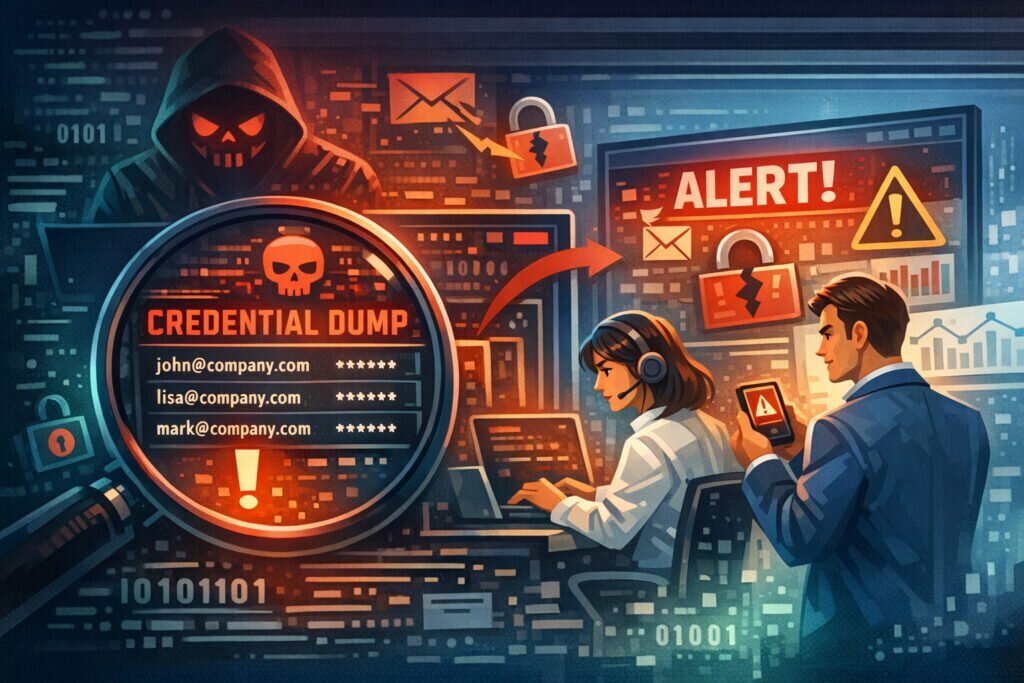
When your company email domain shows up in a credential dump, the clock starts ticking. Every hour you delay gives attackers more time to test those credentials against your systems. Company email domains in credential dumps require immediate, structured action — not panic, but a clear response plan that limits damage and closes gaps fast.
I’ve seen organizations discover hundreds of employee credentials circulating on paste sites and dark web forums, yet freeze because nobody owned the response process. That hesitation is what turns a manageable incident into a full-scale breach. Here’s exactly what to do when it happens to you.
Why Your Domain Appears in Credential Dumps
Most of the time, it’s not because your own systems were compromised. Employees reuse their work email to sign up for third-party services — project management tools, industry forums, SaaS trials, even food delivery apps. When those services get breached, every account tied to your domain ends up in the dump.
The real danger isn’t the compromised third-party account. It’s password reuse. If an employee used the same password for a random SaaS tool and their corporate VPN, attackers don’t need to hack you — they just log in.
A common myth here: “We use SSO, so credential dumps don’t affect us.” Wrong. SSO doesn’t cover every service employees use. Shadow IT is everywhere, and those unmanaged accounts are exactly what ends up in dumps.
Immediate Actions: The First 24 Hours
Step 1: Confirm and scope the exposure.
Don’t rely on a single alert. Cross-reference the dump against your employee directory. Identify exactly which accounts are affected, when the credentials were likely captured, and which dump or breach they came from. The breach date matters — if it’s recent, urgency is higher. If it’s from a years-old incident resurfacing, the risk profile is different but still real.
Step 2: Force password resets for all affected accounts.
This is non-negotiable. Reset corporate credentials for every employee found in the dump. Don’t ask — enforce it. If you’re running Active Directory or any identity provider, push the resets centrally. Notify affected users with a brief explanation, not a generic “change your password” email that gets ignored.
Step 3: Check for unauthorized access.
Review authentication logs for the affected accounts. Look for logins from unusual locations, off-hours access, impossible travel patterns, or new device enrollments. Attackers who already used the credentials may have established persistence — session tokens, app passwords, forwarding rules in email. Check all of it.
Step 4: Enable or enforce multi-factor authentication.
If MFA wasn’t already mandatory, this is your wake-up call. Credentials without MFA are an open door. Prioritize accounts with access to sensitive systems — finance, HR, admin consoles, code repositories.
Step 5: Notify your incident response team and document everything.
Even if no unauthorized access is found, building a data leak response team that logs and tracks these events is critical for compliance and pattern analysis.
Beyond the First Day: Sustained Response
Forcing password resets puts out the immediate fire. What follows determines whether you keep getting burned.
Audit which third-party services employees use with corporate email addresses. You’ll likely find dozens of unauthorized signups. Establish a policy — corporate emails for approved services only, personal emails for everything else. This won’t eliminate the problem, but it dramatically reduces your attack surface.
Review your response process for employee email addresses found in data breaches and refine it. The second time should be faster and smoother than the first.
Credential dumps rarely appear in isolation. The same data often circulates through paste sites, Telegram channels, and hacker forums over weeks or months. A single check isn’t enough — you need continuous monitoring to catch re-postings and new dumps containing your domain.
Setting Up Continuous Monitoring
Manual checks don’t scale. By the time someone on your team searches a paste site or breach database, the data may have been live for days. Automated monitoring detects leaks faster than manual checks — often within minutes of credentials appearing in monitored sources.
LeakVigil monitors 19 data source categories continuously, including dark web forums, paste sites, code repositories, and Telegram channels. When your company domain appears in a new dump, you get an alert immediately — not after a weekly review meeting.
The practical difference is response time. Organizations using automated leak detection typically cut their exposure window from weeks to hours. That gap is the difference between an attacker finding a valid credential and finding one that’s already been rotated.
What About Old Credentials?
Don’t dismiss dumps containing old or outdated passwords. Attackers use them for credential stuffing — automated attacks that test leaked username-password pairs across hundreds of services. Even a password from three years ago might still work somewhere if the employee never changed it on a forgotten account. Old credentials also reveal password patterns. If someone used “CompanyName2022!” they probably use “CompanyName2025!” now.
FAQ
How do I know if my company’s email domain has appeared in a credential dump?
You can use breach notification services for basic checks, but for comprehensive coverage you need automated monitoring that watches dark web sources, paste sites, and underground forums continuously — not just known indexed breaches.
Should I notify all employees or only those whose credentials were found?
Notify the affected employees directly with specific instructions. But also send a company-wide reminder about password hygiene and MFA — without naming individuals. Other employees may have been exposed in dumps you haven’t found yet.
Is a credential dump the same as a data breach of our company?
Not necessarily. In most cases, the credentials leaked from a third-party service breach, not from your own infrastructure. However, if attackers used those credentials to access your systems, it becomes your breach too. The distinction matters for regulatory reporting and legal obligations.
The bottom line: credential dumps involving your domain are inevitable in today’s threat landscape. What separates resilient organizations from vulnerable ones isn’t whether they appear in dumps — it’s how fast they detect it, how decisively they respond, and whether they have continuous monitoring in place to catch the next one before attackers do.