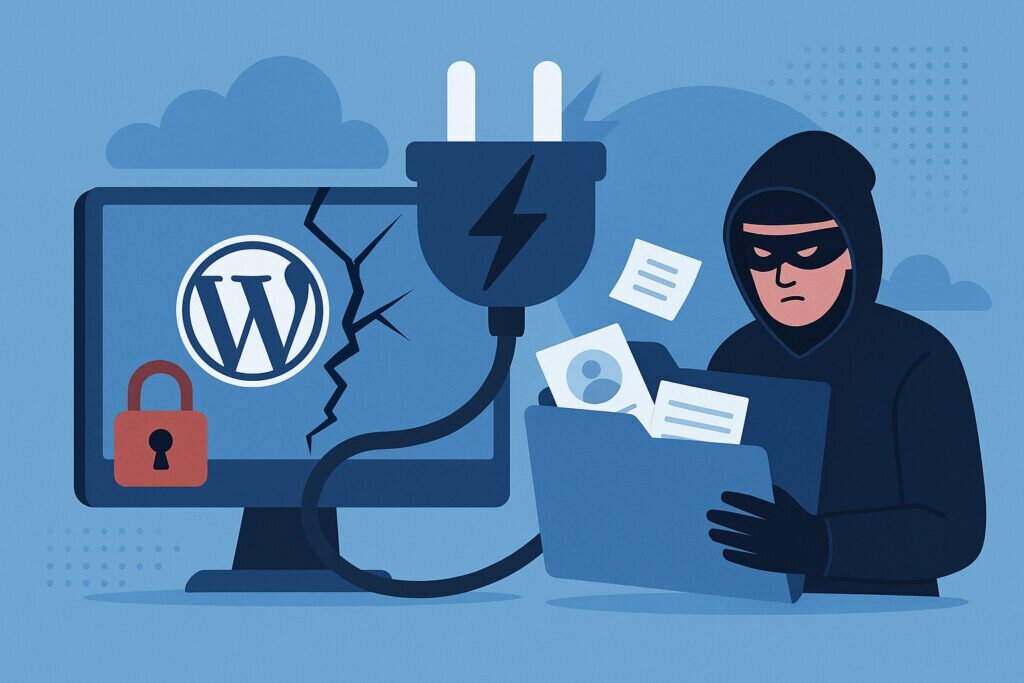
If you run a business website on WordPress, there is a good chance you have somewhere between ten and thirty plugins installed right now. Contact forms, SEO tools, WooCommerce, analytics, backup solutions — they all do useful things. But here is the uncomfortable truth: every single one of them is a potential doorway into your data. And attackers know this better than most site owners do.
This article walks you through how WordPress plugin vulnerabilities actually lead to real data exposure, what the most common attack patterns look like, and what you can do today to dramatically reduce your risk. Whether you manage one site or two hundred, these are things you need to know.
Why Plugins Are the Weakest Link
WordPress core itself is reasonably secure. The team behind it patches issues quickly and the codebase gets a lot of eyeballs. Plugins are a completely different story. Most are written by small teams or solo developers. Many are abandoned after a few years. Some were never written with security in mind in the first place.
The real problem is trust. When you install a plugin, you are giving that code full access to your database, your file system, and often your users’ personal information. A poorly coded contact form plugin might store submissions in plain text. A forgotten analytics plugin might have an unpatched SQL injection vulnerability sitting there for years. And because WordPress makes installing plugins so easy, people tend to accumulate them without thinking much about what each one actually does under the hood.
The Most Common Vulnerability Types
Not all plugin vulnerabilities are the same, and understanding the main categories helps you assess your own risk.
SQL Injection remains one of the most dangerous. When a plugin fails to sanitize user input before passing it to a database query, an attacker can extract entire tables of data — usernames, emails, hashed passwords, customer orders, everything. This is not theoretical. It happens regularly with form plugins, search plugins, and custom query builders.
Cross-Site Scripting (XSS) is extremely common in plugins that display user-generated content. An attacker injects malicious JavaScript that runs in other users’ browsers. This can lead to session hijacking, credential theft, and in some cases, full admin account takeover.
Broken Access Control is another big one. Some plugins expose REST API endpoints or AJAX handlers without properly checking whether the person making the request actually has permission. I have personally seen cases where a plugin’s export function was accessible to any logged-in subscriber, not just administrators. That means any registered user could download the full customer database.
Insecure File Upload vulnerabilities let attackers upload PHP shells disguised as images. Once that shell is on your server, the game is essentially over. They have command-line access and can read your wp-config.php, which contains your database credentials in plain text.
A Situation I Have Seen Too Many Times
I manage a large number of WordPress sites on Debian servers, and a pattern I keep running into goes something like this. A client installs a popular form plugin, configures it once, and never touches it again. Two years later, a critical vulnerability is disclosed. The plugin developer releases a patch, but the client never updates. Three weeks after the disclosure, automated bots are already scanning for that exact vulnerability across millions of WordPress installations. The site gets compromised, and the client only finds out when their customers start complaining about spam emails — sent using data scraped straight from their database.
The frustrating part is that the fix would have taken about thirty seconds. One click in the dashboard. But nobody was watching.
Step-by-Step: How to Protect Your Sites
Here is what actually works in practice, not just in theory.
First, audit your plugin list. Go through every installed plugin and ask yourself: do I actually need this? If a plugin has not been updated in over a year, replace it or remove it. Fewer plugins means fewer attack surfaces.
Second, enable automatic updates for plugins. Since WordPress 5.5 you can turn on auto-updates per plugin. For most business sites, the small risk of a broken update is far smaller than the risk of running an unpatched vulnerability for weeks.
Third, use a vulnerability monitoring approach. Services like the WPScan database track known plugin vulnerabilities. You can integrate this into your workflow so that you hear about issues before attackers exploit them. Better yet, pair this with a broader leak monitoring service. If your site data does end up exposed somewhere, you want to know immediately — not six months later.
Fourth, harden your file permissions and database access. Your wp-config.php should not be readable by the web server group. Your uploads directory should not execute PHP files. These are basic server-level protections that stop many exploits from doing real damage even if a plugin is compromised.
Fifth, review plugin code before installing. This sounds extreme, but for any plugin that handles sensitive data — forms, payments, user management — spend five minutes looking at how it handles input sanitization and database queries. You do not need to be a security expert to spot obvious red flags like direct use of $_GET or $_POST variables in SQL queries without prepared statements.
Common Myths That Get People in Trouble
One myth I hear constantly is that popular plugins are safe. Popularity means nothing by itself. Some of the biggest data exposure incidents have involved plugins with millions of active installations. A large user base just means a larger target.
Another myth is that a web application firewall solves everything. A WAF helps, but it cannot protect against logic flaws inside plugin code. If a plugin intentionally exposes an API endpoint without authentication, the WAF sees a normal HTTP request and lets it through.
People also assume that if their site looks normal, it has not been compromised. Many data extraction attacks leave no visible trace on the frontend. The attacker reads your database, copies what they need, and leaves. You would never know unless you are actively monitoring for unusual database queries or checking whether your data has appeared somewhere it should not be.
Frequently Asked Questions
Can premium plugins be vulnerable too? Absolutely. Paying for a plugin does not guarantee better security practices. Some premium plugins have had severe vulnerabilities that took weeks to patch.
Is it safe to use nulled or pirated plugins? Never. Nulled plugins almost always contain backdoors. You are literally installing someone else’s malware on your own server.
How quickly do attackers exploit new vulnerabilities? Often within days. Automated scanning tools make it trivially easy to find vulnerable sites once a CVE is published. Assume that any publicly disclosed vulnerability is already being actively exploited.
What should I do if I suspect a breach? Immediately take the site offline, change all database and admin credentials, examine server logs, and check whether any data has been exposed publicly. This is exactly the kind of scenario where automated leak monitoring becomes invaluable — the sooner you detect exposed data, the faster you can respond and limit the damage.
Final Thoughts
WordPress plugin vulnerabilities are not going away. The ecosystem is too large and too open for every plugin to be perfectly secure. But that does not mean you are helpless. Regular audits, prompt updates, proper server hardening, and continuous monitoring are the difference between a site that gets breached quietly and one that stays safe.
The sites that get compromised are almost never the ones with sophisticated attackers targeting them specifically. They are the ones where nobody was paying attention. Do not let yours be one of them.