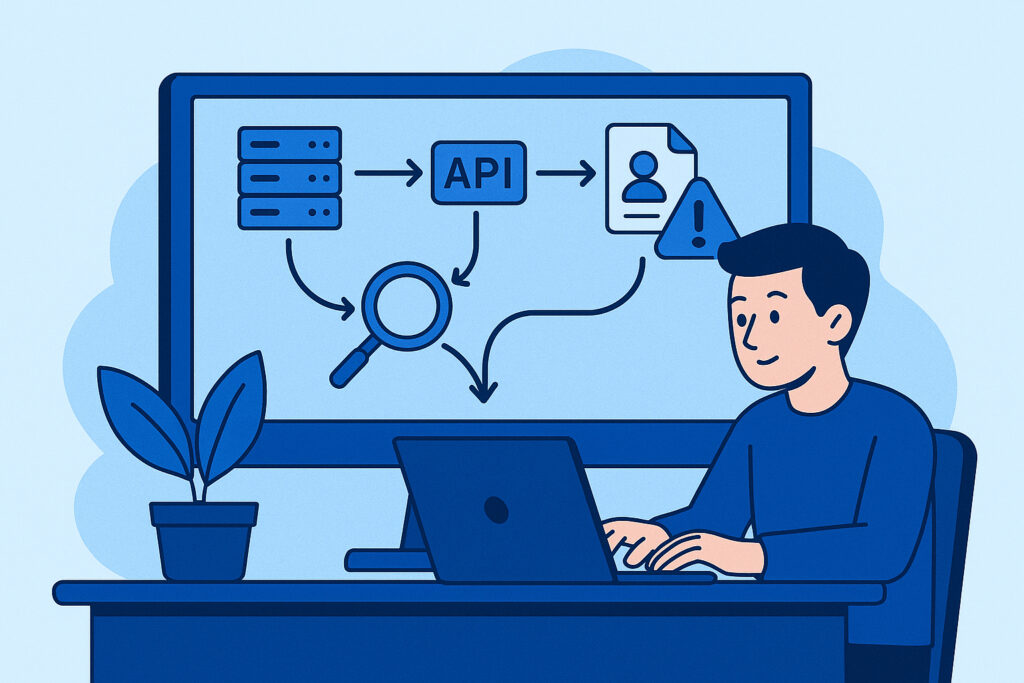
I’ll be honest with you – the first time I realized one of my client’s credentials had leaked online, I found out about it three weeks too late. By then, the damage was already done, and what could have been a quick password reset turned into a full-blown security incident. That’s when I understood that waiting to discover data leaks is like waiting to see smoke before checking if your house is on fire.
If you’re running a business with any digital presence, your sensitive data is constantly at risk of exposure. Employee credentials, API keys, customer information, internal documents – they can all end up in places they shouldn’t be. The good news? Setting up an effective monitoring system doesn’t require a massive security team or a huge budget. You just need to know where to look and how to automate the process.
Why You Can’t Afford to Wait
Data leaks happen faster than you think. A developer accidentally commits credentials to a public GitHub repository. An employee uses a company email on a breached third-party service. A configuration file with database passwords gets indexed by search engines. Each of these scenarios is incredibly common, and each one puts your entire organization at risk.
The average time to detect a data breach is still measured in months, not days. But here’s the thing – leaked credentials are often exploited within hours. That’s the gap you need to close, and that’s exactly what a proper monitoring system does.
Step 1: Identify What Actually Needs Monitoring
Before you set up any alerts or tools, sit down and map out your actual attack surface. This isn’t about creating a comprehensive security audit – it’s about identifying the specific pieces of data that would cause real problems if they leaked.
Start with the obvious stuff: company email addresses, especially admin accounts. Then move to API keys, database credentials, and authentication tokens. Don’t forget about domain names, employee names in specific contexts, and any proprietary identifiers unique to your systems.
I made the mistake early on of trying to monitor everything. The result? Alert fatigue within a week. Focus on what matters most first, then expand gradually. A good rule of thumb is to ask yourself: “If this leaked today, would I need to take immediate action?” If the answer is yes, it goes on your monitoring list.
Step 2: Choose Your Monitoring Sources
Data leaks don’t happen in just one place. You need to cast a wide net across multiple sources where sensitive information typically surfaces.
Public code repositories like GitHub, GitLab, and Bitbucket are the most common culprits. Developers accidentally push credentials all the time. Set up monitoring for your domain names, company name, and specific patterns like your database naming conventions.
Paste sites and data dump forums are where stolen credentials often appear first. Sites like Pastebin, various dark web forums, and underground marketplaces need constant monitoring. This is where I found that leaked credential set three weeks late – it was sitting in plain sight on a public paste site.
Breach databases aggregate information from past data breaches. Services like Have I Been Pwned provide APIs that let you check if your domains or emails appear in known breaches.
Search engine caches sometimes index files that were temporarily public. Configuration files, backup databases, and internal documents can show up in Google search results.
The key is automation. Manually checking these sources is impossible at scale. You need tools that continuously scan these locations and alert you immediately when something matches your criteria.
Step 3: Set Up Automated Scanning and Alerts
This is where many people get stuck, thinking they need complex infrastructure or expensive enterprise tools. You don’t. What you need is a system that runs regular scans and sends notifications when issues are detected.
For GitHub monitoring, you can use their own API to search for your keywords across public repositories. Set this to run every few hours. For paste sites, there are both free and paid APIs that let you search recent posts. The important part is creating alerts that don’t overwhelm you.
Configure your notifications carefully. Email is fine for non-critical alerts, but for high-priority items like leaked admin credentials, you want SMS or instant messaging alerts. I use a tiered system: routine findings go to email, medium-priority items trigger Slack messages, and critical leaks send SMS alerts.
Test your alert system thoroughly. Send yourself test notifications and verify they actually reach you. I’ve seen too many monitoring systems that were technically working but had email alerts going to spam folders.
Step 4: Create a Response Protocol
Having monitoring is worthless if you don’t know what to do when an alert comes in. Before you go live with your system, document exactly what actions to take for different types of leaks.
For leaked credentials, your response should be immediate: disable the compromised account, force password resets, and review access logs to see if unauthorized access occurred. For API keys, revoke them immediately and generate new ones. For sensitive documents, contact the hosting platform to request removal and assess what information was exposed.
Time matters enormously here. When my monitoring system caught a leaked API key last month, I had it revoked within 15 minutes of the initial alert. The key had been public for less than an hour, and log analysis showed no unauthorized usage. That’s the difference between a minor incident and a serious breach.
Make sure multiple people know the response protocol. If you’re the only person who can take action and you’re unavailable, alerts are useless.
Step 5: Monitor, Refine, and Expand
Your first setup won’t be perfect, and that’s completely fine. The goal is to get something running and then improve it based on real-world results.
Track your false positive rate. If you’re getting too many irrelevant alerts, tighten your search criteria. If you’re not finding anything for weeks, you might need to expand your monitoring scope or add new sources.
I review my monitoring setup monthly. Are there new paste sites that need coverage? Have we added new services with credentials that should be monitored? Has our company grown in ways that create new leak risks?
The threat landscape changes constantly. New data dump sites appear, new breach databases come online, and new types of sensitive information become targets. Your monitoring system needs to evolve with these changes.
Common Misconceptions About Data Leak Monitoring
Let me clear up a few things I hear constantly. First, monitoring public sources isn’t “spying” or unethical – you’re looking for your own data that shouldn’t be public in the first place. Second, you don’t need dark web access for effective monitoring. Most leaks appear on surface web sources long before they hit underground forums. Third, expensive enterprise solutions aren’t always better than well-configured open-source tools or targeted commercial services.
Frequently Asked Questions
How often should the monitoring system scan for leaks? For critical sources like code repositories, scan every few hours. For paste sites and forums, continuous or hourly monitoring is ideal. Breach databases can be checked daily since they update less frequently.
What if I find a leak that’s already old? Even old leaks require action. Credentials might still be valid, and the information could still be exploitable. Treat every finding seriously regardless of age.
Can I monitor for leaks without technical expertise? Yes, though some technical knowledge helps. Many commercial services handle the technical complexity for you. The critical part is knowing what to monitor and how to respond.
Is free monitoring sufficient for small businesses? It depends on your risk tolerance. Free tools can provide basic coverage, but they often lack comprehensive source coverage and immediate alerting. For most businesses, the cost of a leak far exceeds the cost of proper monitoring.
Setting up data leak monitoring isn’t optional anymore – it’s basic cybersecurity hygiene. Start simple, focus on your highest-risk data first, and build from there. The goal isn’t perfection; it’s catching leaks before they become breaches.