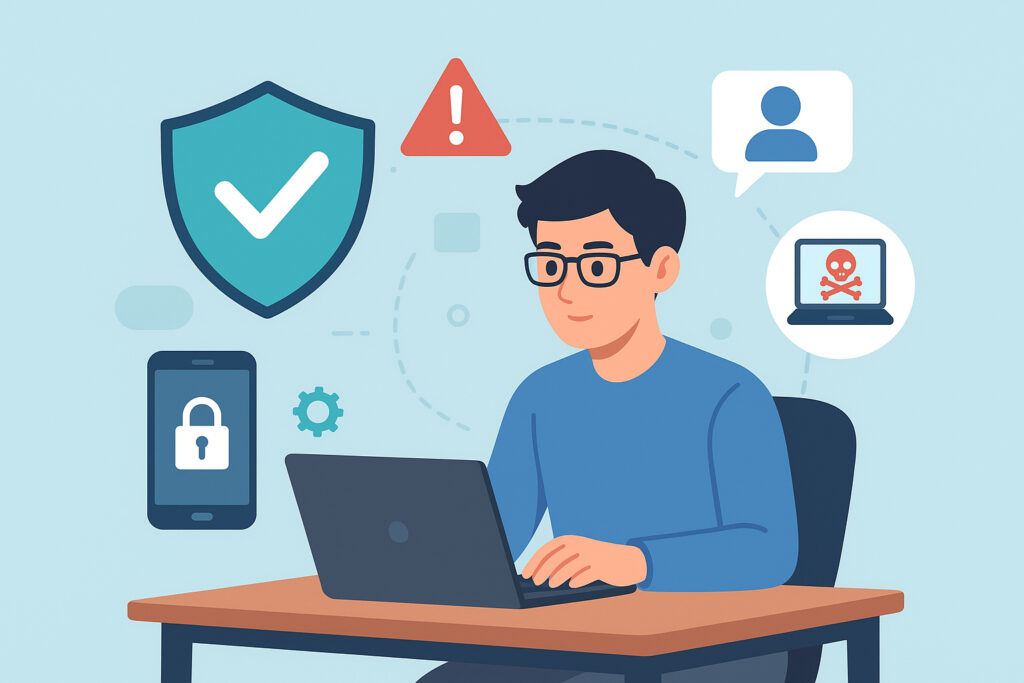
If your team works remotely – even part of the time – real-time threat monitoring is the single most important security layer standing between your business and a costly breach. Traditional security tools weren’t built for a workforce spread across home offices, airports, and co-working spaces. This article breaks down exactly how real-time threat monitoring protects remote workers, why periodic scans fall dangerously short, and what practical steps you can take right now.
Why Remote Work Broke the Old Security Model
The office perimeter used to be your shield. Firewalls, managed switches, network-level IDS – all of it assumed your people and their devices were physically inside a controlled environment. Remote work shattered that assumption completely.
Now every employee’s home router is a network entry point. Every coffee shop WiFi session is a potential interception opportunity. Your attack surface didn’t just grow – it multiplied by the number of locations your staff works from.
The uncomfortable truth is that most small and mid-sized companies never fully adapted. They handed out VPN credentials, installed antivirus, and hoped for the best. That approach has a shelf life, and for many organizations it expired years ago.
What Real-Time Threat Monitoring Actually Does
Real-time monitoring watches every process execution, file system change, network connection, and registry modification as it happens – not hours or days later during a scheduled scan. When a process behaves suspiciously, the system blocks it immediately, often before the user even notices anything.
This is fundamentally different from traditional antivirus. Legacy tools compare files against a database of known malware signatures. That works fine for yesterday’s threats. It does almost nothing against zero-day exploits, fileless malware, or novel phishing payloads that haven’t been catalogued yet.
Modern endpoint protection uses behavioral analysis instead. It doesn’t need to recognize a specific piece of malware – it recognizes malicious behavior patterns. A Word document trying to launch PowerShell? Blocked. A browser extension attempting to exfiltrate clipboard data to an unknown server? Terminated instantly.
The Speed Gap That Costs Businesses Millions
Here’s a scenario that plays out constantly. A remote employee receives a convincing phishing email – maybe a fake SharePoint notification or a spoofed invoice from a real vendor. They click the link. Within 30 seconds, a credential stealer is running in memory, harvesting saved passwords and session tokens. Within two minutes, stolen credentials are transmitted to an attacker-controlled server.
A scheduled weekly scan would catch this sometime next Tuesday. By then, the attacker has used those credentials to access your cloud storage, email accounts, or internal tools. The average time to discover a breach without continuous monitoring stretches into months – not days.
Real-time monitoring collapses that window to seconds. The suspicious behavior triggers an alert and automatic containment before credentials ever leave the device. That’s the difference between a blocked attempt and a full-blown incident requiring legal notification, forensic investigation, and customer communication.
Myth: “VPN + Antivirus Is Enough for Remote Teams”
This is probably the most dangerous misconception in remote work security. A VPN encrypts traffic in transit – it does nothing to stop malware already running on the endpoint. Antivirus catches known threats but misses the increasingly sophisticated attacks that bypass traditional security tools entirely.
Think of it this way: a VPN is a locked tunnel, and antivirus is a bouncer who only recognizes faces from a wanted poster. Neither one can stop an attacker who’s already inside the building wearing a disguise.
Real-time monitoring is the security camera system that watches behavior. It doesn’t care what the threat looks like – it cares what the threat does.
Practical Steps to Protect Your Remote Workforce
1. Deploy endpoint protection with behavioral analysis on every device. This includes personal devices used for work. If a device touches company data, it needs real-time monitoring. No exceptions.
2. Enable automatic updates. Threat actors constantly evolve their techniques. Your protection needs to keep pace without relying on employees to manually update anything. A single outdated endpoint is an open door.
3. Establish a clear remote security policy. Define which networks are acceptable, what happens when a threat is detected, and who employees should contact. A well-documented cybersecurity policy for remote teams removes guesswork during incidents.
4. Reduce the burden on employees. The best security runs silently in the background. Remote workers shouldn’t need to become security experts. When threats are blocked automatically, people can focus on their actual jobs instead of worrying about which email attachment might be dangerous.
5. Secure every device type. Laptops get most of the attention, but smartphones and tablets often have weaker protections and broader access to company email and messaging apps. Make sure your approach covers laptops and mobile devices equally.
Why Continuous Monitoring Matters Even After an Incident
One thing that catches organizations off guard is the period after a security event. You detect a threat on one employee’s device, clean it up, and assume the problem is solved. But attackers frequently maintain persistence across multiple entry points. If they compromised one remote worker’s credentials, they may have already used those credentials to access other systems.
Real-time monitoring continues watching for anomalous behavior across all endpoints – not just the one that triggered the initial alert. This is especially critical given the growing volume of ransomware targeting employee devices, where a single compromised endpoint can cascade into a company-wide encryption event.
FAQ
Does real-time threat monitoring slow down remote workers’ devices?
Modern endpoint protection is designed to run with minimal resource impact. Most employees never notice it’s running. The processing happens efficiently in the background, and cloud-based analysis offloads heavier tasks from the local device. A slight background process is a negligible trade-off compared to the downtime a successful attack causes.
Can real-time monitoring protect employees on public WiFi?
Yes – this is one of its strongest use cases. Real-time monitoring detects man-in-the-middle attacks, suspicious network behavior, and attempts to exploit local vulnerabilities regardless of the network. It protects the endpoint itself, so the security of the network matters less.
What’s the difference between real-time monitoring and an EDR solution?
Endpoint Detection and Response (EDR) is a category of tools that typically includes real-time monitoring as a core feature, combined with forensic capabilities, threat hunting, and centralized management. Real-time monitoring is the detection and prevention engine – EDR wraps additional investigation and response tools around it. For most remote teams, you want both capabilities working together.
Remote work is permanent. The organizations that treat endpoint security as a checkbox exercise will keep getting burned. Real-time threat monitoring isn’t a luxury add-on – it’s the baseline that makes distributed work sustainable without gambling your company’s data on every employee’s personal network hygiene.