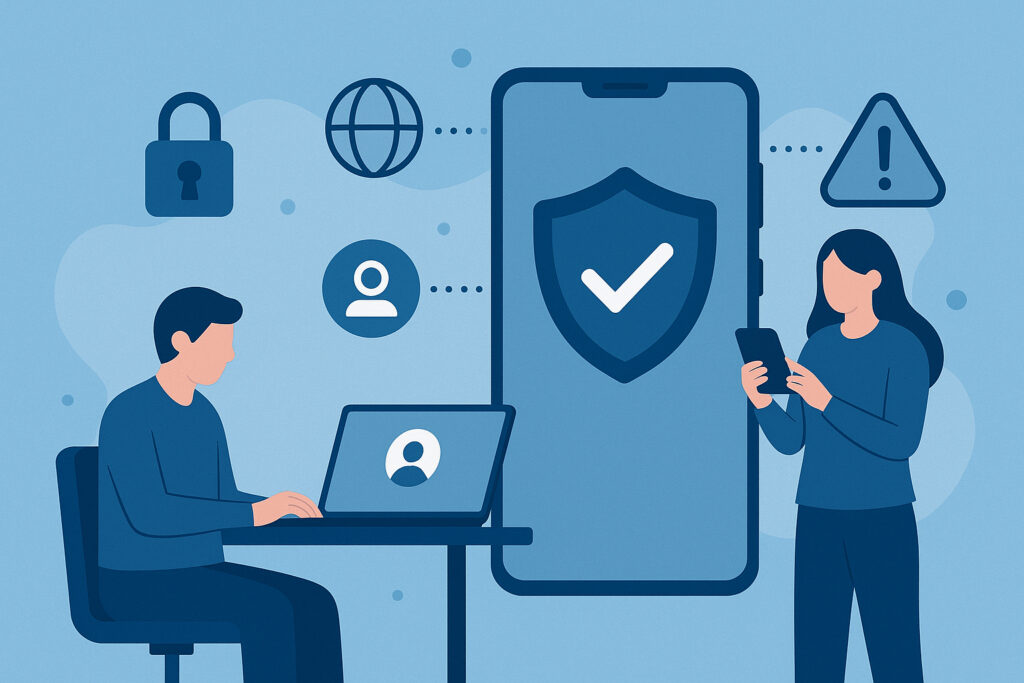
If you’re responsible for IT security in any organization, the future of mobile device security in the workplace is something you need to think about right now — not next quarter. Smartphones and tablets already handle email, CRM access, file sharing, and even two-factor authentication tokens. Every one of those functions is an attack surface. The question isn’t whether mobile threats will increase. They already have. The question is whether your security strategy is keeping up.
I’ve seen organizations with solid server-side defenses get blindsided because nobody thought to check what apps employees were sideloading on their personal phones. One mid-sized logistics company I worked with discovered that a third-party shipment tracking app — installed by a dozen drivers — was quietly exfiltrating GPS data and contact lists to a server in Eastern Europe. They only found out because a network anomaly triggered an alert three weeks later. Three weeks is an eternity in incident response.
Why Traditional Mobile Security Is Failing
Here’s a myth that refuses to die: “Our MDM solution handles mobile security.” Mobile Device Management is essential for inventory and policy enforcement, but it’s not a security tool in the way most people assume. MDM can wipe a lost device or push a Wi-Fi profile. It cannot detect a zero-day exploit running inside a legitimate-looking app, nor can it spot credential theft happening over a compromised Bluetooth connection.
The threat landscape has moved far beyond what perimeter-based thinking can address. Employees connect to hotel Wi-Fi, airport hotspots, and home routers with default passwords. They install apps that request permissions no calculator should ever need. And they do all of this on the same device that holds access to your corporate email, Slack workspace, and cloud storage.
Traditional antivirus on mobile is equally limited. Most mobile malware doesn’t behave like desktop malware. It doesn’t drop executable files on disk. Instead, it abuses legitimate OS features, exploits WebView components, or leverages social engineering within messaging apps. Signature-based detection misses most of it.
Real-Time Monitoring Changes the Game
The biggest shift happening in mobile security is the move from periodic scanning to continuous, real-time behavioral analysis. Instead of checking a device once a day or once a week, modern mobile threat defense solutions monitor device behavior constantly — app activity, network connections, OS integrity, and permission usage.
This matters because the window between compromise and damage is shrinking. Attackers don’t wait around after gaining access. Credential harvesting can happen in seconds. Data exfiltration from a compromised device can begin within minutes of installation. If your detection relies on a scan that runs at 2 AM, you’ve already lost the race.
Real-time threat monitoring is especially critical for remote workers who operate outside your office network. When there’s no corporate firewall between the device and the internet, the device itself becomes the perimeter. That perimeter needs to defend itself autonomously.
Zero Trust Isn’t Optional Anymore
Zero-trust architecture used to be a buzzword that mostly applied to network access. Now it’s becoming the default framework for mobile environments. The principle is simple: no device, user, or app gets automatic trust. Every access request is verified based on context — device health, user identity, location, behavior patterns, and risk score.
In practice, this means a phone that was trusted yesterday might not be trusted today if its OS is unpatched, if it’s connecting from an unusual country, or if an app with known vulnerabilities was just installed. Granular, context-aware access control replaces the old binary model of “inside the network = trusted.”
The organizations doing this well aren’t making it painful for users. Modern zero-trust implementations run silently in the background. The employee notices nothing — unless something is genuinely wrong.
Automation and AI: Scaling Beyond Human Capacity
Here’s the reality: most IT security teams are understaffed. Managing mobile security for hundreds or thousands of devices manually is not sustainable. Automated response is no longer a nice-to-have — it’s the only way to keep up.
AI-driven systems can correlate signals across an entire device fleet in milliseconds. If a new phishing campaign starts targeting your industry via SMS, an automated system can update detection rules across all managed devices before your security team has finished reading the threat advisory email.
Automation also handles the tedious but critical work: enforcing security policies on laptops and mobile devices, pushing patches, revoking access tokens for compromised accounts, and generating compliance reports. Freeing up your team to focus on strategic decisions rather than firefighting is where the real ROI lives.
The Human Element Won’t Go Away
No amount of technology eliminates the need for security awareness. A well-crafted phishing message on a mobile screen — where URLs are truncated and sender details are hidden — fools people every day. Mobile screens are smaller, interactions are faster, and users are more distracted. That’s exactly the environment attackers exploit.
Building a cybersecurity policy for remote and hybrid teams should include regular, mobile-specific training. Not annual slide decks, but ongoing micro-training that reflects current attack patterns. Simulate a smishing attack. Show employees what a malicious QR code redirect looks like. Make it practical and repeatable.
The most secure organizations I’ve seen treat employee awareness not as a checkbox but as a continuous feedback loop. When someone reports a suspicious app or message, that input feeds back into the detection system. People become sensors, not just vulnerabilities.
What to Expect in the Next 2–3 Years
Predictive threat intelligence will become standard on mobile platforms. Instead of reacting to known threats, AI models will flag behavioral anomalies before they become incidents. Cross-platform visibility — seeing mobile, desktop, and cloud activity in a single pane — will replace the fragmented dashboards most teams deal with today.
Privacy-preserving security will also advance. With regulations tightening globally, solutions that protect corporate data without surveilling personal activity on BYOD devices will win adoption. Containerization and on-device analysis (rather than sending everything to the cloud) will be the norm.
And the line between data leak monitoring and endpoint protection will keep blurring. A compromised mobile device doesn’t just risk malware infection — it risks credential exposure, sensitive data leaking to unauthorized services, and corporate information surfacing in places it shouldn’t be.
FAQ
What’s the biggest mobile security mistake organizations make today?
Relying solely on MDM and treating it as a complete security solution. MDM manages devices — it doesn’t detect advanced threats, credential theft, or data exfiltration. You need dedicated mobile threat defense on top of device management.
How does zero-trust security work on mobile devices?
Every access request from a mobile device is evaluated in real time based on context: device health, user identity, location, and risk indicators. Trust is never assumed and must be continuously earned. If conditions change — say a device becomes non-compliant — access is revoked automatically.
Is it possible to secure BYOD devices without invading employee privacy?
Yes. Modern solutions use containerization to separate corporate data from personal data on the same device. Security monitoring can focus on the work container and network behavior without accessing personal photos, messages, or browsing history. The key is choosing tools designed with privacy-by-design principles.
Mobile security isn’t a problem you solve once. It’s a capability you build and refine continuously. The organizations that treat it as an ongoing program — combining real-time detection, automated response, zero-trust access, and informed employees — will handle whatever comes next. Start by auditing what you actually have deployed today versus what you think you have. That gap is usually larger than anyone expects.