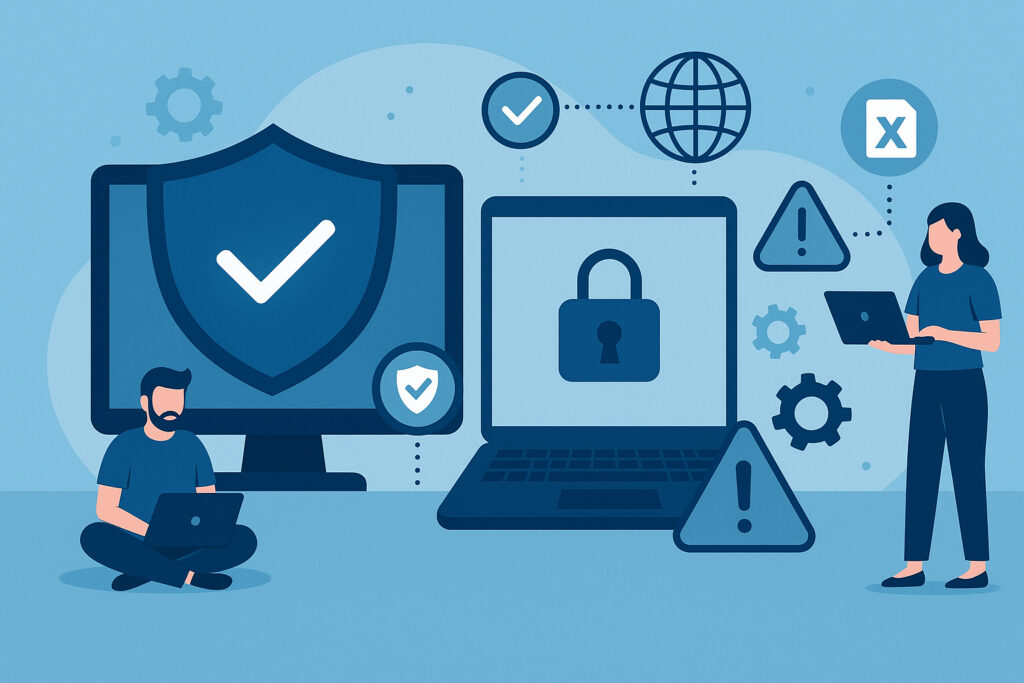
Endpoint security best practices for small and medium businesses aren’t just a nice-to-have checklist — they’re the difference between business as usual and a week of chaos. If you’re running an SMB and relying on basic antivirus alone, you’re working with a false sense of security. This article walks you through the practical steps that actually matter, based on what works in the real world rather than what sounds good on paper.
When I first started advising smaller companies on their security posture, I kept hearing the same thing: “We’re too small to be targeted.” Then a local accounting firm I worked with lost three full days to ransomware that spread through unprotected employee laptops. The attackers didn’t choose them because they were special — they chose them because they were easy. Cybercriminals increasingly prefer smaller targets precisely because defenses tend to be weaker.
Know What You’re Protecting
The foundation of endpoint security starts with a simple question: what devices are actually connecting to your network? Create a full inventory — every laptop, smartphone, tablet, and IoT device your employees use for work. Include personal devices that access business email or cloud services. You can’t defend what you don’t know exists.
Once you have that inventory, establish a clear device policy. Define what types of devices are allowed, who can use them, and under what conditions. A personal phone checking work email is one thing. A personal laptop accessing your financial database is another story entirely. If you’re unsure where the line falls between SMB and enterprise approaches, the differences in endpoint security for startups vs enterprises are worth understanding.
Go Beyond Basic Antivirus
Here’s a myth that still trips up a lot of business owners: “Antivirus software is enough to protect our endpoints.” It’s not. Traditional signature-based antivirus catches known threats, but modern attacks use fileless malware, living-off-the-land techniques, and zero-day exploits that slip right past it.
What you actually need is comprehensive endpoint protection that includes behavioral analysis, real-time monitoring, and ideally some form of endpoint detection and response (EDR). These tools watch how programs behave on your systems, not just whether they match a known virus signature. That’s how you catch the threats that haven’t been catalogued yet.
Patch Relentlessly
Automatic updates are non-negotiable. Both operating systems and all installed software need to stay current. A huge percentage of successful attacks exploit vulnerabilities that had patches available for months. I’ve seen breaches caused by a single unpatched Adobe Reader installation on an intern’s laptop.
Set up automatic updates wherever possible. For critical business systems where you can’t afford unexpected reboots, create a patching schedule and stick to it. Test patches in a staging environment if you have one, but don’t let “we need to test it first” become an excuse for never patching at all.
Control Access Like It Matters
Implement the principle of least privilege: every user gets only the access they need to do their job. The receptionist doesn’t need admin rights to the file server. The sales team doesn’t need access to source code repositories.
Pair this with multi-factor authentication (MFA) everywhere you can. Passwords alone are simply not enough anymore — credential stuffing attacks, phishing, and brute-force tools make single-factor authentication a liability. Modern MFA solutions are painless to use and dramatically reduce your risk of account compromise.
Monitor, Detect, Respond
Real-time monitoring is where many SMBs fall short. You need visibility into what’s happening on your endpoints: unusual network connections, unauthorized access attempts, suspicious file modifications, unexpected privilege escalations.
During a project with a manufacturing company, their monitoring flagged an employee laptop communicating with servers in an unexpected region. We found dormant malware that had been sitting quietly for weeks, waiting to activate. Without monitoring, that would have become a full-blown breach instead of a contained incident.
Build an incident response plan before you need it. Document who to call, what to isolate, how to preserve evidence, and how to communicate with staff and customers. Then rehearse it. A plan that nobody’s practiced is just a document.
Invest in Your People
Technology only goes so far. Your employees interact with threats every day — phishing emails, suspicious attachments, social engineering phone calls. Regular, practical security awareness training makes a measurable difference. Skip the boring annual slideshow and focus on realistic scenarios your team might actually encounter.
Create a culture where reporting something suspicious is encouraged, not punished. Often the person sitting at the keyboard notices something off before any automated system does. That early warning is invaluable.
Understand the Real Cost
SMB owners sometimes hesitate at the price of proper endpoint security. But the cost of endpoint security compared to the cost of a breach makes the math very clear. Average breach costs for small businesses include regulatory fines, legal fees, lost business, recovery expenses, and reputational damage that can take years to repair. A solid endpoint security stack is a fraction of that.
Secure the Devices Themselves
Don’t forget the physical layer. Full-disk encryption should be standard on every company laptop. Remote wipe capabilities protect you when devices get lost or stolen. And with more employees working remotely than ever, securing laptops and mobile devices in the field is just as important as protecting machines inside your office.
FAQ
What’s the single most impactful endpoint security measure for an SMB on a tight budget?
Start with MFA and automatic patching. These two steps alone block a massive portion of common attacks, and they cost very little to implement. Many cloud services include MFA for free — you just need to turn it on.
How often should we review our endpoint security policies?
At minimum, review quarterly and after any significant change — new employees, new software, office moves, or any security incident. Your security posture should evolve with your business, not sit static in a document nobody reads.
Do we really need endpoint protection if we’re fully cloud-based?
Absolutely. Your endpoints are still the access points to those cloud services. A compromised laptop with saved credentials or active sessions gives an attacker full access to your cloud environment. Cloud doesn’t eliminate endpoint risk — it just changes where the data lives.
Endpoint security for SMBs comes down to layering practical defenses, staying disciplined with updates and access control, and making sure your people know what to watch for. You don’t need an enterprise budget to build a strong security posture — you need the right priorities and consistent follow-through.