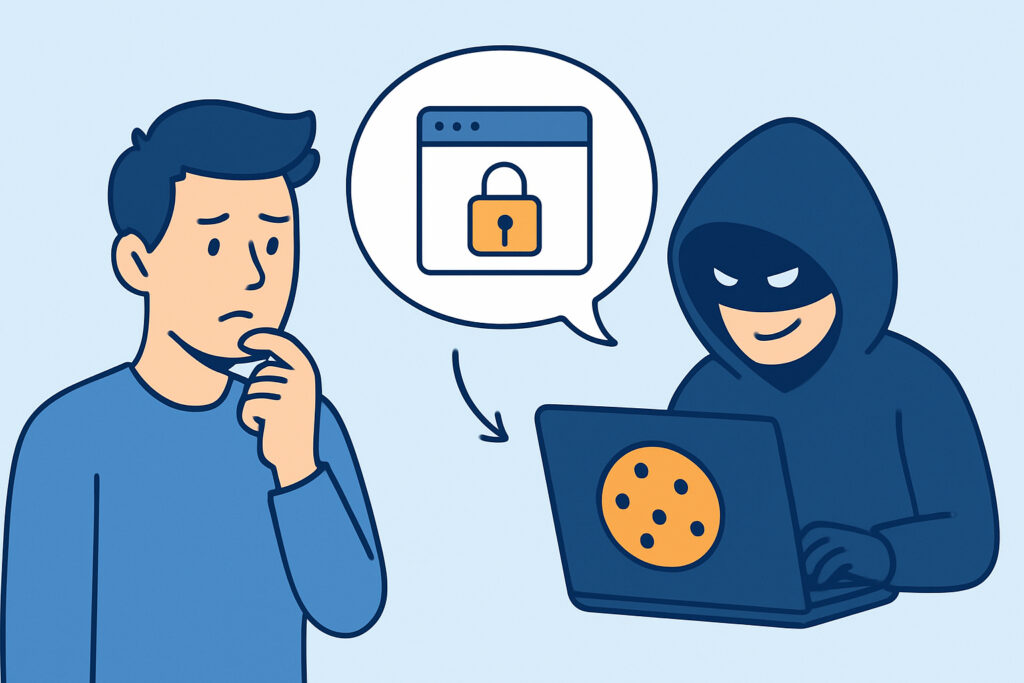
Session cookies are the small pieces of data that keep a user logged into a web application after the initial username-and-password check is done, and increasingly, they are what attackers actually want. Session cookie theft lets an intruder walk straight past a login form, skip multi-factor authentication entirely, and appear to the application as an already-authenticated employee — no password required.
This is a different animal from a classic credential leak. There is no username, no password hash, nothing to crack. Just a token, and whoever holds it gets the session.
How Session Cookie Theft Actually Works
When a user logs into a SaaS platform, the browser receives a session cookie (or an equivalent bearer token) that proves the session is authenticated. As long as that cookie is valid, the server trusts every request carrying it, regardless of where the request originates.
Attackers get their hands on these cookies in a few common ways:
Infostealer malware is the biggest driver. Tools like RedLine, Lumma, and Raccoon are built specifically to pull browser-stored cookies, autofill data, and saved credentials off an infected machine in one pass, then package it for sale. Anyone who wants the mechanics behind this should look at how information stealer malware harvests corporate data — cookie theft is usually a side effect of a much broader scrape.
Man-in-the-middle attacks on unsecured Wi-Fi or through malicious proxies can intercept cookies in transit if a site is misconfigured (missing the Secure or HttpOnly flag, for example).
Cross-site scripting (XSS) vulnerabilities let an attacker run JavaScript in a victim’s browser that simply reads document.cookie and exfiltrates it.
Adversary-in-the-middle phishing kits (like Evilginx-style reverse proxies) sit between the victim and the real login page, capturing the session cookie the instant MFA completes.
Why It Bypasses MFA Entirely
This is the part most security awareness training glosses over, and it is worth stating plainly: multi-factor authentication protects the login event, not the session that follows. Once a user has completed MFA and the browser holds a valid session cookie, that cookie is functionally equivalent to a live, authenticated identity. An attacker who steals it doesn’t need the password, the second factor, or the physical device that generated it.
This is the myth worth busting — that “we have MFA everywhere, so credential leaks aren’t really a risk for us anymore.” MFA stops password-based logins. It does nothing against a session that’s already been established and then hijacked. Plenty of organizations with strict MFA policies have still been breached this way because the control they invested in simply doesn’t cover this attack path.
Where Stolen Session Cookies End Up
Stolen cookies rarely stay with the person who stole them. Infostealer logs — full dumps of a compromised machine’s saved data, cookies included — are sold in bulk on Telegram channels and forum marketplaces, often bundled by domain so a buyer can filter for “cookies for [specific SaaS platform].” Pricing depends on the target: access to a corporate Microsoft 365 or Salesforce session is worth considerably more than a random consumer account, because it can lead directly to lateral movement inside a company’s environment. The same underground economy that trades combolists and plaintext password dumps handles session tokens the same way, just with a shorter shelf life since sessions expire or get invalidated.
A Realistic Timeline
A finance employee downloads a cracked software installer on their laptop that also happens to have a personal browser profile syncing to a work account. The bundled infostealer runs silently, harvesting saved cookies from Chrome, including an active session for the company’s expense management portal.
Within 48 hours, the stolen log is bundled and listed on a stealer log marketplace. A buyer picks it up, imports the cookie into their own browser, and is instantly logged into the expense portal without triggering any login alert, because no login event occurred. They add a fraudulent vendor payee and submit a reimbursement request before anyone notices the session was never theirs.
The unsettling part of this scenario is that nothing in a traditional login-monitoring setup would catch it. No failed login attempts, no new-device MFA prompt, no password change. The only realistic way to catch this early is spotting the stolen data itself circulating externally before it’s used.
Detecting Session Cookie Theft Before It’s Too Late
Because there’s no failed-login signature to watch for, detection has to happen upstream, at the point where stolen data surfaces outside your organization. That means watching infostealer log dumps, forum listings, and marketplace posts for mentions of your company’s domains, not just waiting for an internal alert to fire. This is the same logic behind monitoring platforms like Telegram channels selling company database access — the leak is visible in the criminal supply chain well before it’s exploited.
Internally, a few practical controls reduce exposure:
Set shorter session lifetimes and require re-authentication for sensitive actions (payment changes, permission grants, data exports), not just at login.
Bind sessions to device fingerprints or IP ranges where feasible, so a cookie replayed from a different environment gets flagged or rejected.
Enforce the Secure, HttpOnly, and SameSite attributes on all session cookies to close off the easiest interception paths.
Deploy endpoint protection capable of catching infostealer behavior before it exfiltrates browser data, since prevention at the source is far cheaper than cleanup after.
Responding to a Stolen Session Cookie
If a session token has been exposed, revoking the password is not enough — the session itself has to be invalidated server-side, since a stolen cookie remains valid regardless of password changes. Force a global session logout across the affected application, then review activity logs for anything performed during the exposure window. Broader guidance on prioritizing and executing this kind of response is covered in credential hygiene and rotation after a leak alert, though it’s worth remembering that cookie invalidation is a separate step from password rotation, not a substitute for it.
Frequently Asked Questions
Can changing my password stop a stolen session cookie from working?
No. A session cookie represents an already-authenticated state. It stays valid until it expires or is explicitly revoked server-side, independent of the account password.
Does session cookie theft require malware on the victim’s device?
Not always. Infostealer malware is the most common source, but XSS vulnerabilities, insecure Wi-Fi interception, and phishing proxies can all capture a live session cookie without any malware installed locally.
How long is a stolen session cookie useful to an attacker?
It depends on the application’s session timeout settings. Some platforms expire sessions in hours, others keep “remember me” sessions valid for weeks, which is exactly why shorter, activity-based session lifetimes matter.
Session cookie theft is a reminder that identity security doesn’t end at the login screen. Treating a valid session with the same suspicion as a valid password — monitoring for it externally and expiring it aggressively internally — closes a gap that MFA alone was never designed to cover.